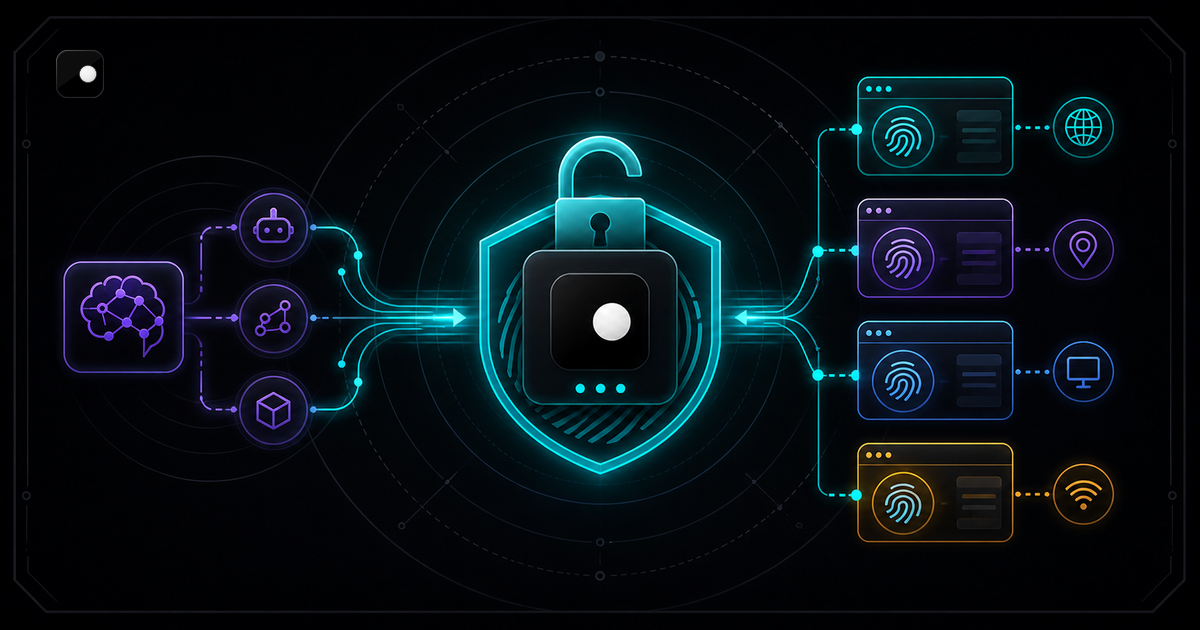
AI agents that interact with websites get blocked. Not eventually. Immediately. Cloudflare, DataDome and Akamai flag standard headless Chrome within seconds because it leaks automation signals that anti-bot systems check before your agent finishes loading the page. The fix is an anti-detect browser: a modified browser engine that eliminates those signals at the source.
Most anti-detect browsers charge per profile, per session or per month. That pricing model breaks the moment an AI agent needs to scale to dozens of concurrent identities. This guide breaks down which options are genuinely free, which ones restrict automation behind a paywall and where the trade-offs land.
TL;DR: Clawbrowser is the only local, free, Chromium-based anti-detect browser with managed fingerprints, native CDP and a built-in MCP server for AI agents. Unlimited profiles, no session limits, no payment tier. It runs on your machine. Your agent connects over standard CDP or MCP with zero vendor lock-in.
Why AI Agents Need Anti-Detect Browsers
Standard headless Chromium fails against modern anti-bot systems because it leaks automation signals across four layers: browser identity (navigator.webdriver, canvas hashes, 20+ fingerprint surfaces), network signals (datacenter IPs, geo-mismatches), TLS fingerprints (JA3/JA4 signatures) and behavioral patterns (no mouse movement, machine-speed clicks). For the full 4-layer detection model, see Browser Automation Without Getting Blocked.
The critical point for AI agents: these signals cannot be fixed in JavaScript. Anti-bot systems check engine-level artifacts like canvas rendering output, AudioContext hashes and GPU parameters. An anti-detect browser modifies how the browser actually renders and reports these signals at the Chromium source level, not by overriding properties in a stealth plugin.
What "Free" Actually Means for AI Agent Browsers
Most anti-detect browsers offer free tiers with 2-10 profiles and a timer. For the full pricing breakdown across GoLogin, AdsPower, Incogniton and Dolphin Anty, see Free Anti-Detect Browser: Why Clawbrowser Exists. The short version for AI agent developers:
| Tool | Automation on free tier | Catch |
|---|---|---|
| GoLogin | Limited API, 3 profiles | $24/mo for 100 profiles |
| AdsPower | RPA only, 2 profiles | $9/mo for 10 profiles |
| Clawbrowser | Full CDP + MCP, unlimited profiles | None |
An agent that spawns 20 browser sessions in parallel needs 20 profiles. Three free profiles is a demo, not a tool.
Clawbrowser runs on your hardware, so there is no cloud VM cost to pass through. The only optional cost is proxy bandwidth.
Free Options Compared
Three tools are worth evaluating if "free" and "AI agent support" are both requirements:
| Feature | Clawbrowser | Camoufox | Browser Use |
|---|---|---|---|
| Price | Free | Free | Free (framework) |
| Engine | Chromium | Firefox | Chromium (wrapper) |
| Fingerprint approach | Engine-level, 20+ surfaces | Engine-level, Firefox surfaces | Plugin-level stealth |
| CDP | Native, localhost | No (custom wrapper) | Via Playwright |
| MCP server | Built-in | No | No |
| Open source | Yes | Yes | Yes (framework) |
| Multi-profile isolation | Unlimited | Unlimited | Per-context |
| Proxy routing | Built-in, geo-aligned | Manual config | External |
| Runs locally | Yes | Yes | Yes |
| Commercial use (free) | Yes | Yes | Yes |
Key differences
Chromium vs Firefox. Camoufox is built on Firefox. Legitimate choice, but over 65% of web traffic uses Chrome or Chromium-based browsers. A Firefox fingerprint doing automated work is already unusual. Chromium blends into the majority.
Framework vs browser. Browser Use is an agent framework, not a browser. It wraps Chromium with plugin-level stealth. That approach scores around 81% on stealth benchmarks, which means it fails 19% of the time. Engine-level modification eliminates the signals that plugins cannot reach.
Local vs cloud. Cloud browser services like Browserbase run browser instances on their servers and charge per session. If your agent processes sensitive data (credentials, session tokens, account information), a cloud vendor stores and routes that data. Running locally means it never leaves your machine.
Connecting an AI Agent to Clawbrowser
CDP connection (Playwright)
Your existing Playwright or Puppeteer code connects to Clawbrowser with a one-line change. Clawbrowser exposes a standard CDP endpoint on localhost:
from playwright.async_api import async_playwright

async with async_playwright() as p:
    # Connect to Clawbrowser instead of stock Chromium
browser = await p.chromium.connect_over_cdp("http://127.0.0.1:9222")Same CDP protocol, same Playwright API. Different browser underneath. That is why Playwright scripts stop getting blocked when you swap the browser layer.
MCP server connection
AI agents running in Claude Code, Codex, Gemini CLI or any MCP-compatible framework connect to Clawbrowser's built-in MCP server directly. No API key. No cloud roundtrip:
{
  "mcpServers": {
    "clawbrowser": {
      "command": "clawctl",
"args": ["mcp", "serve"]The agent issues navigation, screenshot and interaction commands over the protocol. The browser executes them locally.
Multi-profile sessions
Spawn isolated profiles programmatically. Each profile gets a unique fingerprint, separate cookies, separate storage and a separate proxy:
# Create and start three isolated profiles
clawctl session start --name agent-1 --proxy socks5://proxy1:1080
clawctl session start --name agent-2 --proxy socks5://proxy2:1080
clawctl session start --name agent-3 --proxy socks5://proxy3:1080
No profile limits. No session timers. Scale to as many concurrent identities as your hardware supports.
For a step-by-step tutorial that wires a Python agent to Clawbrowser over CDP with tool definitions, navigation and data extraction, see How to Build an AI Agent That Browses the Web (Python + CDP).
Why Local-First Matters for AI Agents
Cloud browser APIs charge per session. At scale, those costs compound. An AI agent that runs 100 sessions per day across 20 profiles accumulates significant monthly costs on any cloud platform. Clawbrowser runs on your machine. The marginal cost of an additional session is the electricity your CPU uses.
Beyond cost, local execution solves three problems that cloud browsers introduce:
Latency. CDP commands to a local browser execute in microseconds. CDP commands to a cloud browser add network roundtrip latency to every navigation, click and screenshot. For agents that make hundreds of browser calls per task, that latency compounds.
Data residency. Your agent handles login credentials, session tokens, account data and scraped content. With a cloud browser, all of that routes through the vendor's infrastructure. Locally, it stays on your machine.
No vendor dependency. Cloud browser APIs go down. Rate limits change. Pricing changes. A local binary does not depend on an external service to function. For a deeper comparison of local versus cloud approaches, see The 7 Best Browsers for AI Agent Automation.
Frequently Asked Questions
Can AI agents use anti-detect browsers?
Yes. AI agents connect to anti-detect browsers through CDP (Chrome DevTools Protocol) or MCP (Model Context Protocol). The agent sends navigation and interaction commands through the protocol. The browser handles fingerprint management, proxy routing and anti-detection. From the agent's perspective, it is controlling a normal browser that happens to not get blocked.
What is the best free browser for AI agent automation?
Clawbrowser is the only free anti-detect browser that combines native CDP, a built-in MCP server, managed fingerprints across 20+ surfaces and built-in proxy routing with no profile or session limits. It runs locally on macOS, Windows and Linux. See the comparison table above for how it stacks up against Camoufox and Browser Use.
How do I connect Claude Code to an anti-detect browser?
Clawbrowser includes clawctl, a CLI that acts as a bridge between AI agents and the browser. The agent speaks natural language, clawctl translates that into commands the browser executes. Add Clawbrowser's MCP server to your agent's configuration and the agent can open pages, take screenshots, click elements and extract data without writing any CDP code itself. No API key, no cloud dependency. For Playwright and Puppeteer workflows, Clawbrowser also exposes a standard CDP endpoint on localhost. See CDP Browser for AI Agents for the full setup.
Can I use Clawbrowser for commercial AI agent projects?
Yes. There is no personal-use restriction. Unlimited profiles, unlimited sessions, full CDP and MCP access for commercial projects. The only optional cost is managed proxy bandwidth.
How does an anti-detect browser differ from a stealth plugin?
Stealth plugins patch automation signals in JavaScript by overriding properties like navigator.webdriver. Anti-bot systems check deeper signals: canvas rendering, WebGL output, AudioContext hashes, font enumeration. JavaScript cannot modify how the browser actually renders a canvas element or computes an audio hash. An anti-detect browser modifies these at the engine level, changing the source rather than masking the output. For the full breakdown, see Browser Automation Without Getting Blocked.
Get Started
Copy the install prompt from clawbrowser.ai and paste it into your AI agent. Or install manually:
clawctl install
clawctl config set --api-key YOUR_API_KEY
clawctl session start --name my-agent
clawctl verify --name my-agent
Your agent connects to localhost:9222 over CDP or to the built-in MCP server. Same automation code. A browser that does not get blocked.
Continue exploring
Ask AI how Clawbrowser helps
Keep reading
Related articles
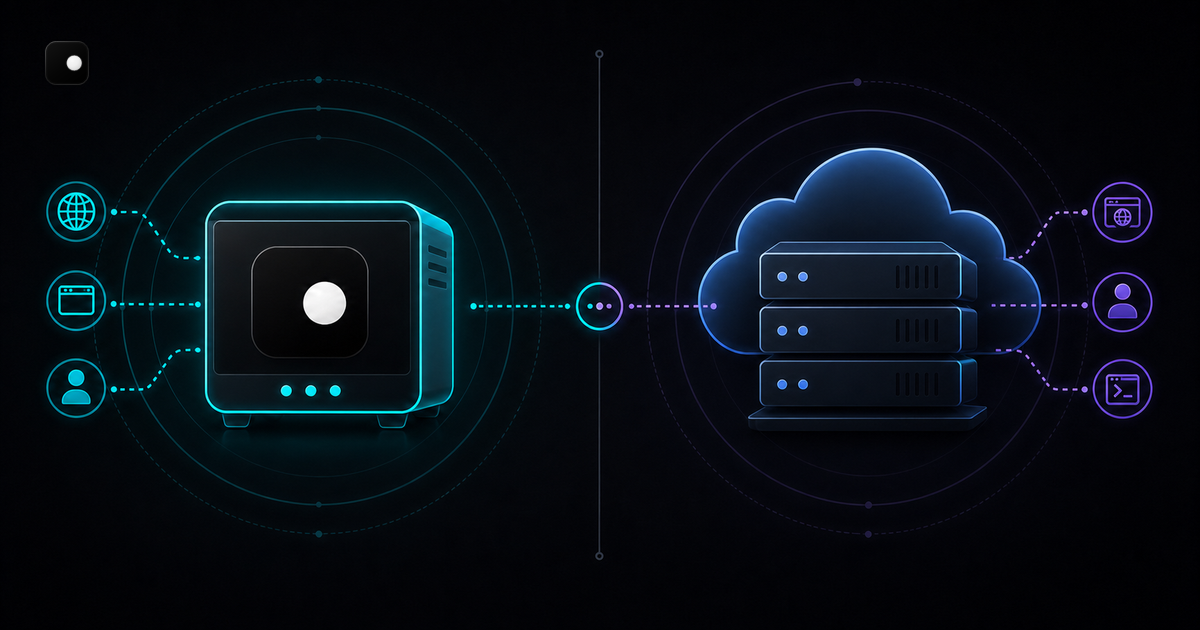
Clawbrowser vs Steel: Free Local Browser or Cloud API
Local anti-detect browser vs cloud browser API. Feature comparison, pricing, code examples, fingerprint handling and when to pick each for AI agent automation.
Read article →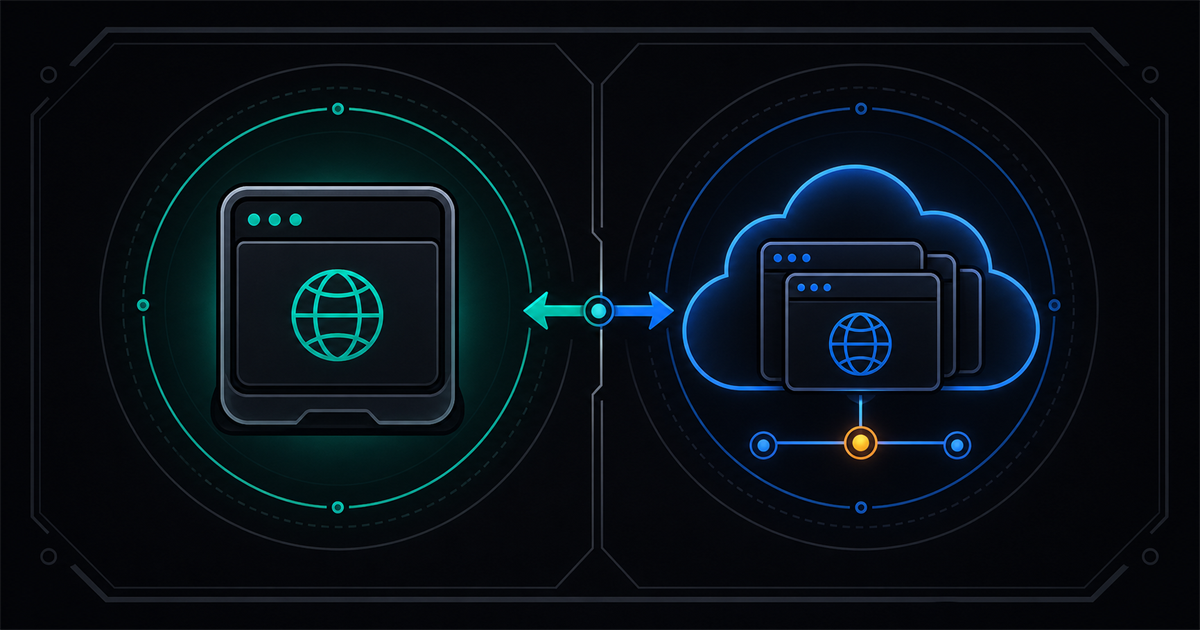
Clawbrowser vs Browserbase: Local Browser or Cloud API
Local-first, free anti-detect browser vs. cloud-hosted browser infrastructure. Feature comparison, pricing breakdown, code examples, and when to pick each.
Read article →