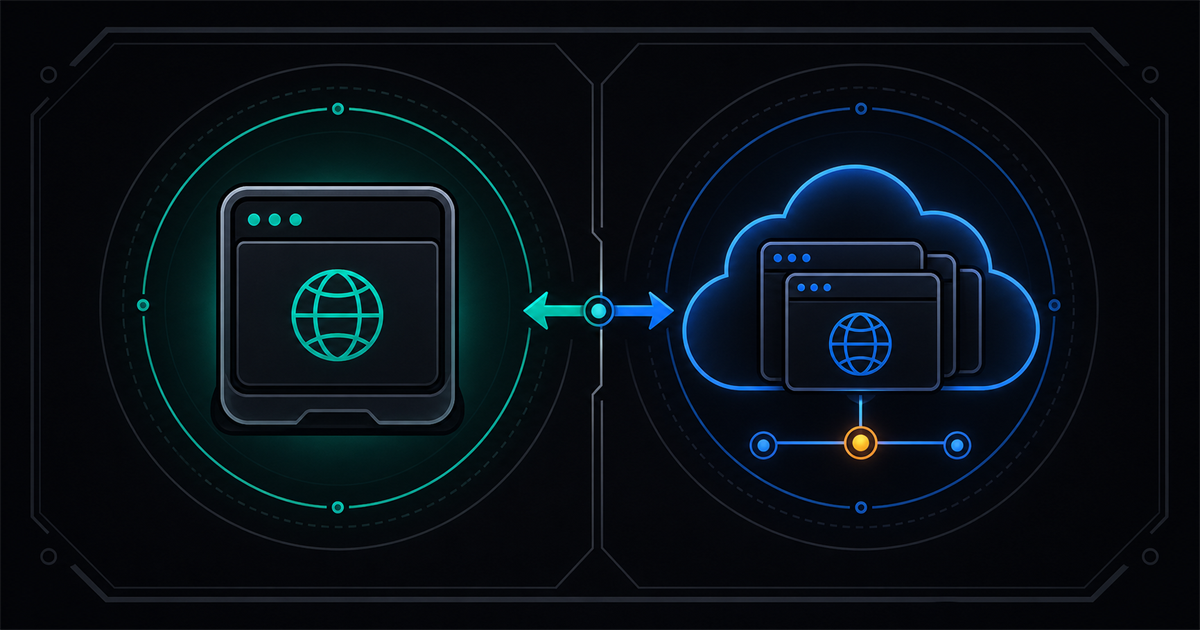
You need a browser that AI agents can control — one that doesn't get blocked, handles fingerprints, and speaks CDP or MCP. Browserbase and Clawbrowser both solve this, but they solve it in fundamentally different ways. Browserbase runs managed Chromium instances in their cloud. Clawbrowser runs a patched Chromium binary on your machine. That one architectural choice — cloud vs. local — shapes everything else: pricing, privacy, fingerprint control, and how much infrastructure you own.
TL;DR: Browserbase is cloud browser infrastructure for massive-scale headless automation. Clawbrowser is a local anti-detect browser with managed fingerprints, proxy routing, and native CDP/MCP — free and unlimited. Pick Browserbase if you need thousands of concurrent cloud sessions. Pick Clawbrowser if you want full control — your own LLM models, your own fingerprints, your own data, and zero usage fees.
Local-First vs Cloud-Only: The Core Trade-Off
Browserbase is 100% cloud. Every browser session runs on their servers. Your agent connects via WebSocket CDP to a remote Chromium instance, and all browsing data — cookies, page content, credentials, screenshots — transits through Browserbase's infrastructure.
Clawbrowser is local-first. The browser runs on your machine or in your container. CDP is exposed on localhost. No data leaves your environment unless you choose to route through a proxy.
This matters more than it sounds:
- Credential-heavy workflows (account management, logged-in scraping) — your passwords and session tokens stay on your machine with Clawbrowser. With Browserbase, they pass through a third-party cloud.
- Debugging — local Chromium means you can see the browser window, attach DevTools, and inspect live. Clawbrowser also supports remote streaming, so you can watch the browser from the dashboard even when it runs on a VPS. Browserbase sessions are headless with replay only.
- Latency — local CDP has zero network overhead. Cloud CDP adds round-trip latency that depends on region pairing between your agent, Browserbase's servers, and the target website.
- Uptime — local means no vendor outage takes down your agents. Cloud means one provider's incident page determines whether your automation runs today.
Pricing: Free vs Usage-Based
Clawbrowser is free. Unlimited sessions, unlimited hours, no usage meter. You pay only for proxy bandwidth if you use Clawbrowser's residential or datacenter proxy routing.
Browserbase uses metered pricing:
| Plan | Monthly cost | Browser hours | Concurrent sessions |
|---|---|---|---|
| Free | $0 | 1 hour | 3 |
| Developer | $20 | 100 hours | 25 |
| Startup | $99 | 500 hours | 50 |
| Scale | Custom | Custom | 250+ |
One browser hour means sixty minutes of active session time. The free tier gives 60 minutes per month — roughly two minutes per day. The $20 Developer plan gives ~3.3 hours per day. Overage on Developer is $0.12/hour.
Additional charges apply for search calls ($7/1k), fetch calls ($1–4/1k), extract calls ($4–7/1k), and proxy usage.
For always-on agents, scraping workflows that run for hours, or multi-account management with dozens of sessions — Browserbase costs add up fast. Clawbrowser has no session timer.
Feature Comparison: Clawbrowser vs Browserbase
| Feature | Clawbrowser | Browserbase |
|---|---|---|
| Engine | Chromium (patched binary) | Chromium (managed cloud) |
| Deployment | Local machine, VPS or Docker container | Cloud-only |
| Pricing | Free (pay for proxy bandwidth) | $0–99+/mo (usage-based) |
| Fingerprint control | User-managed profiles, 20+ surfaces | Platform-assigned, not configurable |
| Multi-profile | Full session isolation with persistent identities | No persistent profiles |
| CDP access | Native, localhost | WebSocket to remote instance |
| MCP server | Built-in, local, no API key needed | Cloud-dependent, requires API key |
| CAPTCHA handling | Built-in runtime handling | Auto-solve (~88–95% depending on type) |
| Proxy routing | Built-in, profile-aligned | Available, additional cost |
| Anti-detection | Engine-level patches, all users | "Verified" sessions; advanced stealth enterprise-only |
| Concurrent scale | Limited by local hardware | Thousands of sessions |
| Agent frameworks | Claude Code, Codex, Gemini CLI, Cursor, Hermes Agent, Kilo Code, and any CDP/MCP client | Stagehand, LangChain, CrewAI, Playwright |
| Data residency | Your machine | Browserbase cloud (7–30 day retention) |
| Platform support | macOS, Windows, Ubuntu Linux | Cloud — no local install |
| Open source | Yes | Stagehand SDK open source |
| Visual browser | Full Chromium GUI available | Headless only |
| Remote streaming | Live browser view from dashboard or phone | Session replay only |
Learn more about CDP and why every agent framework uses it in our developer guide.
Where Browserbase Wins
Credit where it's due — Browserbase has clear advantages for specific use cases.
Massive concurrent scale. Need 250+ browser sessions running simultaneously? Browserbase handles that in their cloud. You don't provision servers, manage containers, or worry about memory. For data pipelines that scrape thousands of URLs in parallel, cloud infrastructure removes the ops burden.
Enterprise compliance. Browserbase is SOC 2 Type II certified and HIPAA compliant with BAA available. If your organization requires formal compliance certifications from browser infrastructure vendors, Browserbase has the paperwork. Clawbrowser runs locally — compliance is your own infrastructure's responsibility.
Stagehand SDK. Browserbase's open-source Stagehand framework lets agents control browsers using natural language actions like act, observe, and extract. If your stack is already built on Stagehand, switching the underlying browser layer isn't trivial.
Zero infrastructure management. No Docker images, no port management, no local Chromium updates. Browserbase is an API call. For teams with zero DevOps capacity that need browser automation today, cloud is faster to start.
Signed agents program. Browserbase is building relationships directly with website operators to whitelist their sessions. This "permitted access" approach is different from anti-detect evasion — for some enterprise use cases, working with bot protection providers rather than around them is the right strategy.
Where Clawbrowser Wins
Your data stays on your machine. Every credential, cookie, session token, and page screenshot stays local. No third-party cloud sees your browsing data. For account management, financial workflows, or anything involving user credentials — this is the difference between trusting a vendor with your data and your data never leaving your network.
Managed fingerprints you control. Clawbrowser generates coherent fingerprint profiles across 20+ surfaces — canvas, WebGL, AudioContext, navigator, screen, timezone, fonts — all internally consistent. You manage these profiles, reuse them across sessions, and pair them with aligned proxy geography. Browserbase assigns fingerprints you cannot configure or persist across sessions.
No usage meter. Run 100 sessions for 12 hours each. No bill. No overage. No "you've exceeded your plan" email at 3 AM when your agent is mid-task. The only cost is proxy bandwidth if you use managed proxies.
Native local CDP. Your agent talks to localhost:9222 with zero network latency, zero cloud dependency, and zero WebSocket overhead. Swap one URL in your existing Playwright or Puppeteer code and it works. Read why Playwright scripts get detected to understand what changes at the protocol level.
Built-in MCP server. Clawbrowser's MCP server runs locally with no API key and no cloud dependency. AI agents that speak MCP control the browser directly — navigation, screenshots, element interaction — without writing CDP code. Browserbase's MCP server is a cloud client that requires an API key and active internet connection.
Anti-detect for everyone. Clawbrowser's engine-level fingerprint patches ship to all users. Browserbase gates their advanced stealth features to the enterprise Scale plan.
Remote streaming from any device. Clawbrowser's remote streaming lets you watch your agent work in real time from the Clawbrowser dashboard — on your laptop, tablet, or phone. Enable it from the agent, then open the dashboard to see exactly what the browser is doing. This is especially valuable when Clawbrowser runs on a dedicated server or VPS: you kick off a long-running task, close your terminal, and check progress from your phone an hour later. Browserbase offers session replay after the fact, but not a live view you can pull up from anywhere while the agent is still running.
A real browser window. Even without streaming, Clawbrowser is a full Chromium browser with a GUI. You can see what your agent sees, debug visually, and intervene manually when something goes wrong. Browserbase is headless infrastructure.
Browserbase Alternative: When to Switch
Consider Clawbrowser instead of Browserbase if:
- You're managing accounts. Persistent fingerprint profiles with session isolation are what anti-detect browsers do. Browserbase doesn't offer persistent identities.
- Your agents handle sensitive data. Credentials, financial data, health records — if it shouldn't transit a third-party cloud, it shouldn't go through Browserbase.
- You're hitting cost limits. A single always-on agent costs $0 on Clawbrowser and ~$87/month on Browserbase ($0.12/hr × 24hrs × 30 days).
- You want fingerprint control. Need a specific fingerprint configuration? Need multiple identities for multi-account work? Browserbase can't do this.
- You're building with Claude Code, Codex, Hermes Agent, OpenClaw, Kilo Code, or Gemini CLI. Clawbrowser has native one-command plugins for all of them. No SDK wiring required.
Stay with Browserbase if:
- You need 100+ concurrent browser sessions without managing infrastructure (Clawbrowser can do it too — you'll just need ~200 GB of RAM and a fire extinguisher nearby)
- Your compliance team requires SOC 2 / HIPAA vendor certification
- Your stack is built on Stagehand and migration cost is high
- You need Browserbase's signed agents / permitted access model
Getting Started with Clawbrowser
Copy the install prompt from clawbrowser.ai and paste it into your AI agent, or install manually:
clawctl install
clawctl config set --api-key YOUR_API_KEY
clawctl session start --name demo
clawctl verify --name demo
Connect from Playwright (Python):
from playwright.async_api import async_playwright

async with async_playwright() as p:
    browser = await p.chromium.connect_over_cdp("http://127.0.0.1:9222")
page = browser.contexts[0].pages[0]Connect from Puppeteer:
const puppeteer = require('puppeteer');
const browser = await puppeteer.connect({ browserURL: 'http://127.0.0.1:9222' });
const [page] = await browser.pages();
await page.goto('https://example.com');
One-line change from stock Chromium. Same CDP protocol, same Playwright/Puppeteer code — just a different endpoint.
Frequently Asked Questions
Is Clawbrowser a Browserbase alternative?
Yes, for local and single-machine workloads. Clawbrowser replaces the browser layer that Browserbase provides — anti-detection, CDP access, fingerprint management — but runs on your machine instead of their cloud. If your use case doesn't require hundreds of concurrent cloud sessions, Clawbrowser does the same job without the monthly bill or data-in-transit risk.
Is Browserbase free?
Browserbase has a free tier limited to 1 browser hour per month (60 minutes total) and 3 concurrent sessions with a 15-minute per-session cap. Paid plans start at $20/month for 100 hours. Clawbrowser is free with unlimited local usage — you only pay for proxy bandwidth.
Can Clawbrowser scale like Browserbase?
Clawbrowser scales to the limits of your hardware. Each Chromium instance uses ~800 MB RAM, so a 32 GB machine runs roughly 30 concurrent sessions. For most agent workflows, that's plenty. If you genuinely need 500+ concurrent sessions without managing servers, Browserbase's cloud model is purpose-built for that.
Does Clawbrowser work with Stagehand?
Stagehand connects to browsers via CDP, and Clawbrowser exposes a standard CDP endpoint. You can point Stagehand at a Clawbrowser CDP URL instead of a Browserbase session. Some Browserbase-specific features like cloud session recording won't be available, but the core act, observe, and extract actions work over standard CDP.
Which has better anti-detection?
Different approaches. Clawbrowser patches fingerprints at the Chromium engine level across 20+ surfaces — every user gets full anti-detect capabilities. Browserbase uses platform-managed fingerprints you cannot configure, and gates Advanced Stealth mode to the enterprise plan. For fingerprint control and consistency, Clawbrowser gives you more. For the "permitted access" approach where websites explicitly allow your sessions, Browserbase's signed agents model is unique.
Continue exploring
Ask AI how Clawbrowser helps
Keep reading
Related articles
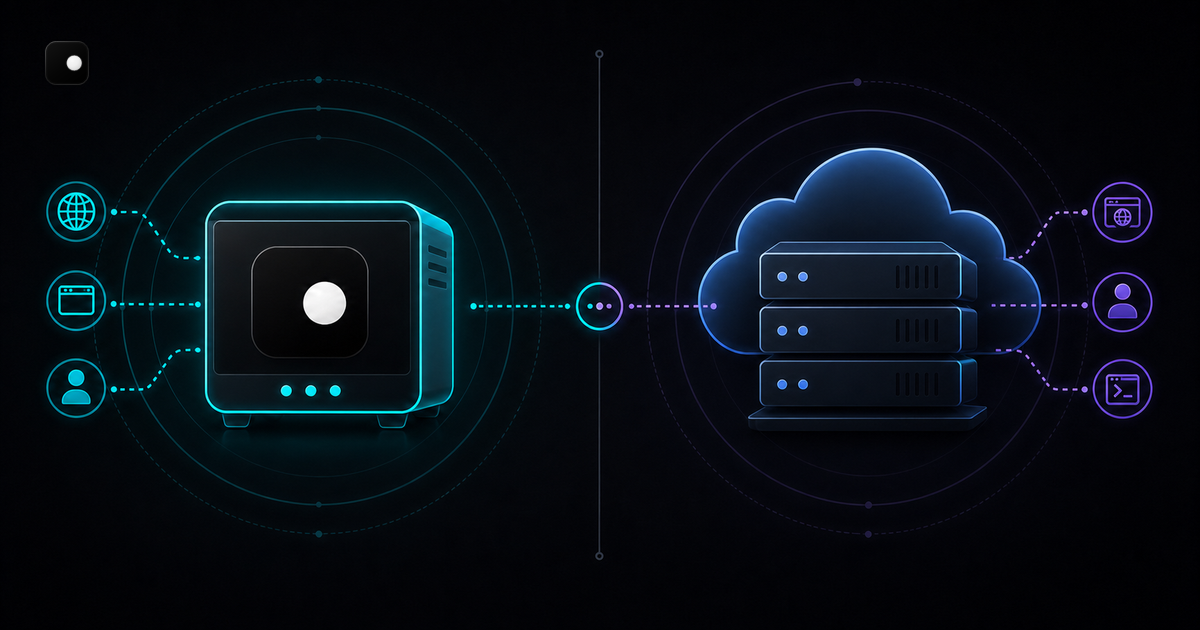
Clawbrowser vs Steel: Free Local Browser or Cloud API
Local anti-detect browser vs cloud browser API. Feature comparison, pricing, code examples, fingerprint handling and when to pick each for AI agent automation.
Read article →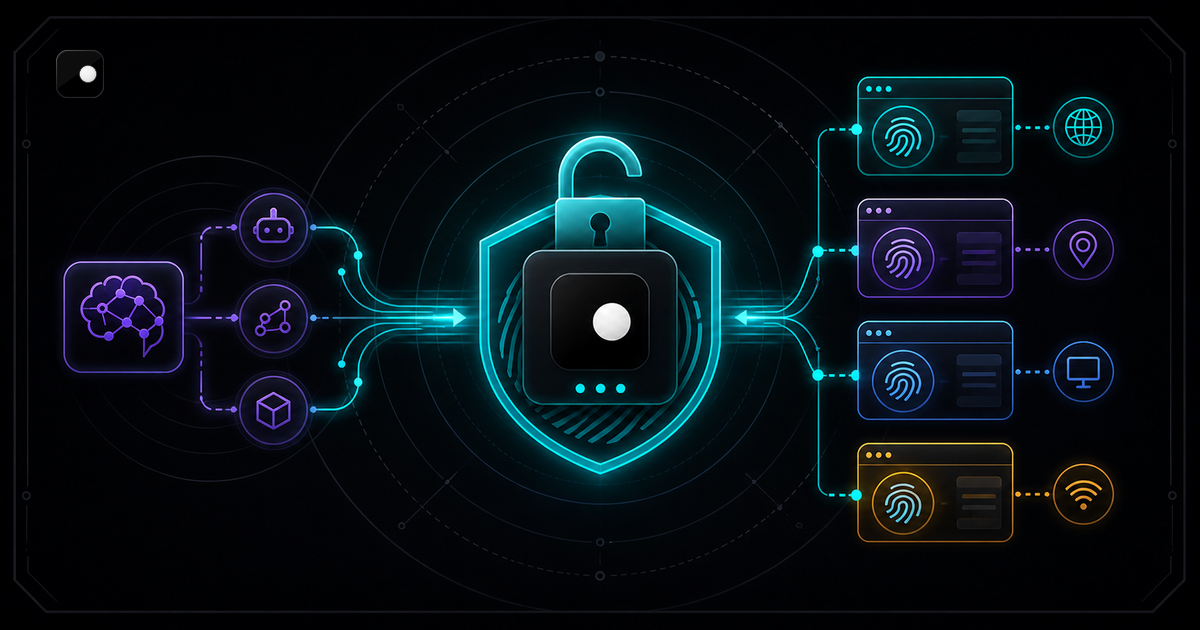
Free Anti-Detect Browser for AI Agents: What Actually Works
Most anti-detect browsers charge per profile or per session. Here is what is actually free for AI agent automation, what is free with a catch and how the trade-offs stack up.
Read article →