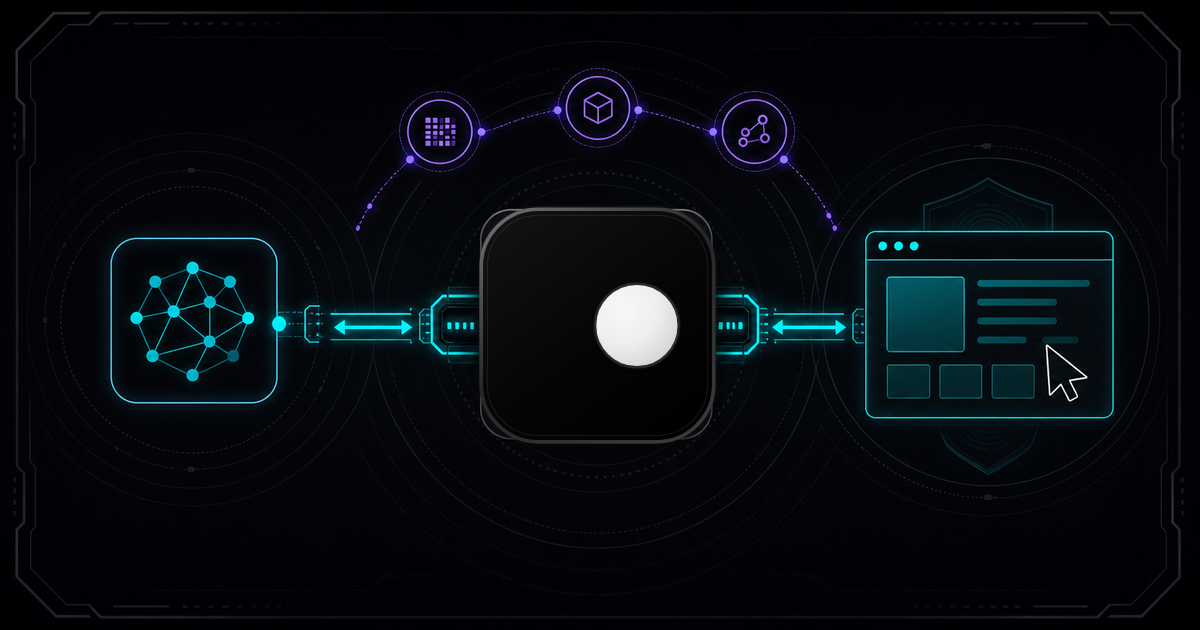
AI agents need browsers. Whether your agent scrapes data, fills forms, manages multiple accounts or navigates multi-step workflows, it controls the browser through a protocol. For every major agent framework, that protocol is CDP (Chrome DevTools Protocol). The problem: connecting your agent to a standard Chromium instance gets it detected and blocked within minutes. A CDP browser for AI agents needs more than a WebSocket endpoint. It needs managed fingerprints, proxy routing and session isolation, all accessible through the same CDP interface your agent already speaks.
TL;DR: CDP is the standard protocol AI agents use to control browsers. Standard Chrome exposes automation signals that anti-bot systems detect instantly. Clawbrowser is a Chromium fork with native CDP, managed fingerprints across 20+ surfaces, built-in proxy routing and an MCP server. Your agent connects to a real browser that doesn't get blocked.
What Is Chrome DevTools Protocol?
CDP is a WebSocket-based protocol that gives external programs full control over a Chromium browser. It was built for Chrome DevTools (the inspector you open with F12), but it has become the de facto standard for browser automation.
Through CDP, a client can:
- Navigate to URLs and manage tabs
- Execute arbitrary JavaScript in page context
- Capture screenshots and PDFs
- Intercept and modify network requests
- Manage cookies, storage and cache
- Simulate user input: clicks, keypresses, scrolling
The connection model is straightforward. Start Chrome with a debugging port, and any WebSocket client can connect:
# Start Chrome with CDP enabled
chrome --remote-debugging-port=9222// Connect from Node.js with Puppeteer
const browser = await puppeteer.connect({
browserWSEndpoint: 'ws://localhost:9222/devtools/browser/...'
});
const page = await browser.newPage();One protocol, one endpoint, full browser control. That simplicity is why CDP won.
Why Every AI Agent Framework Uses CDP
CDP is the universal connector between AI agents and browsers. Every major agent framework expects a CDP endpoint:
| Agent Framework | CDP Connection |
|---|---|
| Claude Code | MCP server or CDP endpoint |
| OpenAI Codex | connect_over_cdp() |
| Cursor | CDP WebSocket |
| Browser Use | CDP endpoint |
| Hermes Agent | CDP endpoint |
| OpenClaw | CDP endpoint |
| Kilo Code | CDP endpoint |
| Puppeteer | Native CDP client |
| Playwright (Chromium) | connect_over_cdp() |
When your agent needs a browser, it expects ws://localhost:9222. Not Juggler (Firefox's protocol), not WebDriver BiDi, not a proprietary REST API. CDP.
This is why Firefox-based anti-detect browsers can't plug into most agent workflows without an adapter layer because they use a different protocol entirely. If your stack is Agent → CDP → Browser, the browser must be Chromium-based.
The Problem: Standard Chrome Gets Detected
Standard Chrome with --remote-debugging-port works fine until the target site checks for automation. Anti-bot systems like Cloudflare, DataDome and PerimeterX detect CDP-driven Chrome through multiple signals:
1. navigator.webdriver flag. Chrome sets this to true when controlled via CDP. It's the first thing anti-bot scripts check.
2. CDP runtime artifacts. Runtime.evaluate calls leave traces in the JavaScript execution context that differ from real user interactions.
3. Default fingerprints. A fresh Chrome instance returns factory-default Canvas, WebGL and AudioContext values. Real browsers have unique fingerprints shaped by GPU, drivers and OS configuration.
4. Missing browser profile. No browsing history, no cookies, no cached fonts, no extensions. A clean install is a bot signal.
5. Headless mode leaks. Even --headless=new produces detectable differences in rendering behavior, plugin arrays and screen dimensions.
The result: your agent connects to Chrome, navigates to the target and hits a CAPTCHA wall or a silent block. The CDP connection works perfectly. The browser is what fails you.
Connecting Your Agent to Clawbrowser
Clawbrowser is a Chromium fork built for exactly this use case: a CDP browser for AI agents that handles anti-detection at the browser level. Your agent connects to a standard CDP endpoint. The browser handles everything else.
Start a session with a managed fingerprint
# Start Clawbrowser with a managed fingerprint profile
clawctl session start --profile residential-us-1

# CDP endpoint is immediately available
# ws://localhost:9222/devtools/browser/...
Connect from Playwright or Puppeteer
from playwright.sync_api import sync_playwright

with sync_playwright() as p:
    # Connect to Clawbrowser's CDP endpoint, same as any Chrome
browser = p.chromium.connect_over_cdp("ws://localhost:9222")// Puppeteer: zero changes to existing code
const browser = await puppeteer.connect({
browserWSEndpoint: 'ws://localhost:9222/devtools/browser/...'
});
const page = await browser.newPage();Run multiple isolated sessions with proxy routing
# Session 1: US residential proxy, unique fingerprint
clawctl session start --profile us-east --proxy socks5://us-proxy:1080

# Session 2: EU residential proxy, different fingerprint
clawctl session start --profile eu-west --proxy socks5://eu-proxy:1080Every session gets a complete, internally consistent fingerprint profile. Canvas renders match the reported GPU. WebGL parameters match the graphics card. Navigator properties match the OS and browser version. Timezone matches the proxy location. Anti-bot systems see a real browser because every surface tells the same story.
For a complete walkthrough that wires these connection patterns into a working Python agent with tool definitions and an LLM loop, see How to Build an AI Agent That Browses the Web (Python + CDP).
CDP + MCP: Two Protocols, One ClawBrowser
CDP gives you low-level browser control. MCP (Model Context Protocol) gives AI agents high-level tool access. Clawbrowser supports both on the same instance.
With CDP, your agent sends granular commands: navigate to URL, click element at coordinates, execute this JavaScript. Full control, full flexibility, more code.
With MCP, your agent calls tool functions: navigate, screenshot, extract_text. The MCP server translates these into CDP operations internally. Less code, faster integration, but less granular control.
The practical split:
- Use CDP when your agent runs custom automation scripts, needs network interception or uses Puppeteer/Playwright directly.
- Use MCP when your agent is an LLM that needs tool-level browser access (Claude Code, Codex or any MCP-compatible agent).
- Use both when your orchestrator manages the session over CDP while individual LLM agents interact through MCP.
No other anti-detect browser offers both protocols on the same instance.
CDP Browser Options Compared
| Feature | Clawbrowser | Chrome | Browserbase | Steel | Camoufox |
|---|---|---|---|---|---|
| CDP native | Yes | Yes | Yes | Yes | No (Juggler) |
| Anti-detection | 20+ surfaces | None | Yes | Yes | Yes |
| Managed fingerprints | Yes | No | Yes | Yes | Yes (BrowserForge) |
| Proxy routing | Built-in | No | Yes | Yes | Manual |
| MCP server | Built-in | No | No | No | No |
| Deployment | Local / self-hosted | Local | Cloud only | Cloud only | Local |
| Price | Free | Free | From $150/mo | From $99/mo | Free |
Clawbrowser is the only option that combines native CDP, managed fingerprints, built-in proxy routing and an MCP server, and it's free. Cloud alternatives (Browserbase, Steel) charge per-session and add network latency between your agent and the browser. Camoufox is free but uses Firefox and Juggler, which means no CDP compatibility with agent frameworks.
Getting Started
# Install Clawbrowser
clawctl install

# Start a session with default fingerprint
clawctl session start --profile defaultYour existing CDP code works unchanged. Point your agent at the endpoint. The browser handles fingerprinting, proxy routing and anti-detection automatically.
FAQ
Does Clawbrowser work with Puppeteer and Playwright?
Yes. Clawbrowser exposes a standard CDP endpoint. Use puppeteer.connect() or playwright.chromium.connect_over_cdp() with the WebSocket URL exactly as you would with regular Chrome. No code changes required.
Can I run multiple sessions simultaneously?
Yes. Each session gets its own CDP endpoint, fingerprint profile, cookies and optional proxy. Run as many sessions as your hardware supports. Sessions are fully isolated with no shared state between them.
Is Clawbrowser free for commercial use?
Yes. Clawbrowser is free and open source. No usage limits, no per-session pricing, no API keys required. Use it in production, in CI/CD or on your local machine.
What's the difference between CDP and MCP in Clawbrowser?
CDP (Chrome DevTools Protocol) provides low-level browser control: navigate, click, execute JavaScript, intercept network requests. MCP (Model Context Protocol) provides high-level tool access: navigate, screenshot, extract text. Clawbrowser supports both simultaneously on the same browser instance.
Does it work in Docker and headless mode?
Yes. Clawbrowser runs in Docker with the same CDP endpoint exposed. Use --headless for server environments. All fingerprint management works identically in headless mode.
Continue exploring
Ask AI how Clawbrowser helps
Keep reading
Related articles
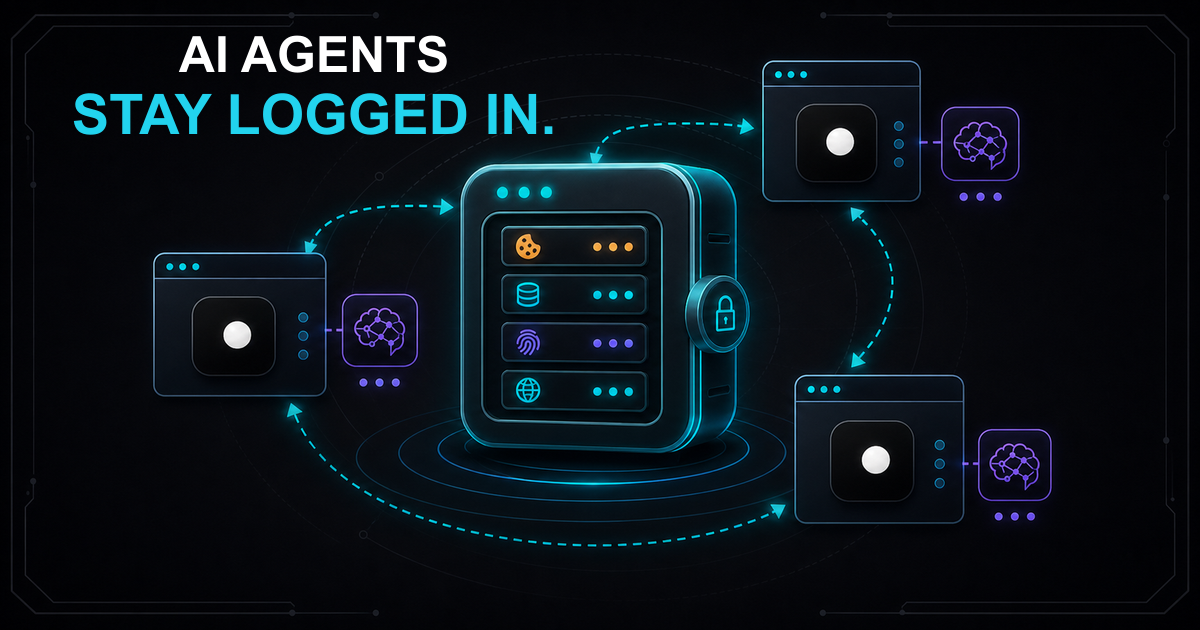
Session Persistence for AI Browser Agents: Why Your Agent Keeps Losing State
AI browser agents lose session state between runs because standard tools don't persist cookies and fingerprints together. Here's how to fix it with named browser profiles.
Read article →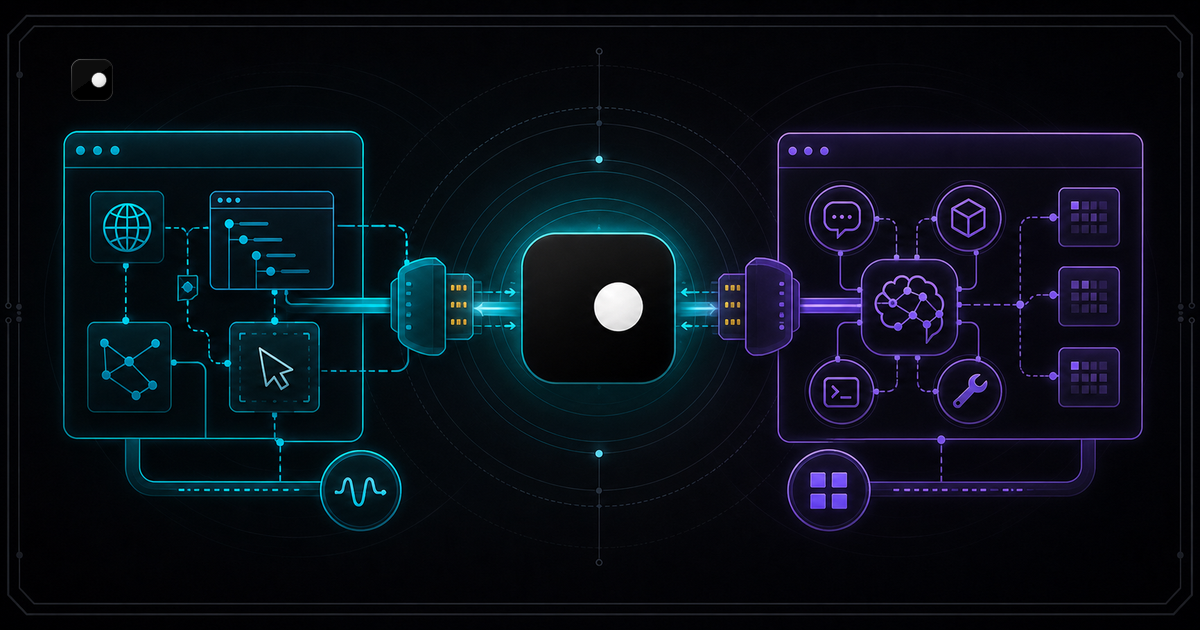
CDP vs MCP: When to Use Which for AI Browser Control
CDP controls the browser. MCP connects the AI. Learn when to use Chrome DevTools Protocol vs Model Context Protocol for AI agent browser automation.
Read article →