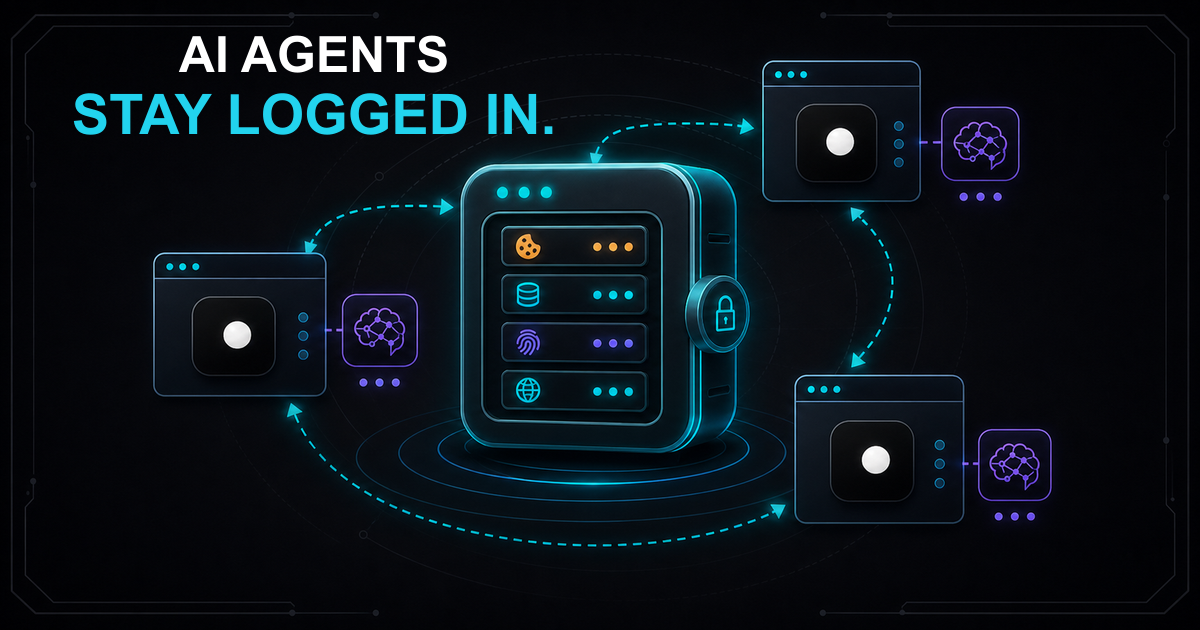
Your AI agent logs into a website, completes its task and shuts down. Next run, it logs in again. And again. Across 50 accounts, your agent spends more time authenticating than working. Worse, some sites flag the repeated logins from what looks like a new device every time and lock the account entirely.
TL;DR: AI browser agents lose session state because standard tools save cookies but not the browser fingerprint. When the agent reconnects with different canvas hashes or WebGL values, the site sees a "new device" with "old cookies" and invalidates the session. The fix is named browser profiles that persist cookies, localStorage and fingerprint identity together, so every revisit looks like the same device on the same machine.
Why AI agents lose browser sessions
Session loss has three causes. Most developers fix only the first and wonder why sessions still break.
1. Ephemeral browser contexts
Default Playwright and Puppeteer launches create a fresh browser with zero state. No cookies, no localStorage, no login. Every run starts from scratch. This is fine for stateless scraping but unusable for any workflow that requires authentication.
2. Fingerprint mismatch on revisit
This is the cause most developers miss. Even if you save and restore cookies, the browser fingerprint changes between runs. Different canvas hash, different WebGL renderer string, different AudioContext values. The site sees a "new device" presenting cookies that belong to a previous device. This triggers fraud detection on banking sites, e-commerce platforms and any service using device fingerprinting for session validation.
The 20+ fingerprint signals that anti-bot systems check include canvas, WebGL, fonts, screen resolution, timezone and navigator properties. If any of these change between visits, the session is flagged even when the cookies are perfectly valid.
3. Cross-session state leakage
When multiple agents share a browser instance or --user-data-dir, cookies from one agent leak into another agent's session. Agent A logs into Account 1, Agent B logs into Account 2 using the same profile directory, and now both sessions are corrupted. This is the leading cause of account bans in multi-account workflows.
Four approaches to session persistence
| Approach | What persists | Fingerprint | Isolation | Scale | Cost |
|---|---|---|---|---|---|
storage_state |
Cookies, localStorage | Changes every run | None | Single agent | Free |
--user-data-dir |
Full browser state | Leaks automation signals | Manual (one dir per agent) | Handful | Free |
| Cloud session snapshots | Full state (varies) | Provider-dependent | Per cloud session | Multi-agent | Paid |
| Named browser profiles | Cookies, localStorage, IndexedDB, cache + fingerprint + proxy | Consistent across runs | Native per profile | Multi-agent | Free |
storage_state: the fragile way
Playwright's storage_state saves cookies and localStorage to a JSON file. It's the most common approach and the first one that breaks at scale.
from playwright.async_api import async_playwright

async def login_and_save():
    async with async_playwright() as p:
browser = await p.chromium.launch(headless=True)Works for: Simple sites with cookie-only auth, short-lived sessions, single-agent setups.
Breaks when: The site uses device fingerprinting for session validation, sessions need to survive more than a few hours, or you run multiple agents concurrently.
What it misses: IndexedDB, Service Workers, cache storage and browser fingerprint. The JSON file has no concept of browser identity, so every restore looks like a different device.
--user-data-dir: the leaky way
Chrome's --user-data-dir flag points the browser at a persistent directory. Everything saves: cookies, cache, extensions, history. But it also persists automation signals and offers no fingerprint management.
from playwright.async_api import async_playwright

async def persistent_session():
    async with async_playwright() as p:
# Everything persists in this directoryWorks for: Single-agent workflows where detection isn't a concern.
Breaks when: Anti-bot systems inspect the profile for automation markers, you need different fingerprints per session, or multiple agents try to use overlapping directories. Playwright's launch_persistent_context also locks the directory to one process, so parallel agents can't share it.
Cloud session snapshots: the expensive way
Cloud browser providers offer session snapshot APIs that save and restore full browser state on their infrastructure. You pay per session-minute and get managed scaling.
Works for: Teams that need managed infrastructure and don't mind vendor lock-in.
Breaks when: You need to control your own data, you run hundreds of sessions (costs compound quickly), or you need guaranteed fingerprint consistency across restores.
Named browser profiles: the right way
Named profiles tie session state and browser identity into a single unit. The profile stores cookies, localStorage, IndexedDB, cache and a consistent fingerprint. Every time you start the profile, the browser presents the same identity. No device mismatch. No session invalidation.
# Start a named profile
clawctl session start --profile account-1

# The browser opens with a unique, consistent fingerprint.
# Log in to your target site (manually or via your agent).Connect your agent via CDP:
from playwright.async_api import async_playwright

async def agent_task():
    async with async_playwright() as p:
# Connect to the running profileRestart the profile days later:
# Three days later
clawctl session start --profile account-1
# Same fingerprint, same cookies, same proxy config
# Your agent picks up where it left off
The profile name is the session identity. Start it, stop it, restart it days later. The cookies are there, the fingerprint matches, the site treats it as a returning user on the same device. This is how Clawbrowser handles session persistence natively through its CDP interface.
Running persistent sessions at scale
Named profiles make multi-agent orchestration straightforward. Each agent gets its own profile with its own fingerprint, proxy and session state. No cross-contamination.
# Start three profiles — each gets its own CDP port
clawctl session start --profile account-1
# CDP endpoint: http://127.0.0.1:9222

clawctl session start --profile account-2import asyncio
from playwright.async_api import async_playwright
PROFILES = {
"account-1": "http://127.0.0.1:9222",Each profile runs in complete isolation. Account-1's cookies never touch Account-2's session. Each has its own fingerprint, its own proxy route, its own CDP endpoint. Add profiles as you need them: creation is instant and profiles survive restarts indefinitely.
For session lifecycle management at scale, monitor cookie expiration server-side. Schedule periodic agent visits to keep sessions active on sites that expire idle sessions. If a session does expire, the profile still retains its fingerprint and device identity, so re-authentication from the "same device" is far less likely to trigger security alerts than a login from a fresh browser.
The disposable-but-persistent paradox
Anti-detection and session persistence seem contradictory. Anti-detect browsers make you look anonymous. Session persistence makes you look like a returning user. How do both work at the same time?
The answer is per-profile identity. Each profile is a stable identity: consistent fingerprint, consistent cookies, consistent proxy. The "anti-detect" part means that identity is coherent and realistic, not that it changes every run. A real user's browser fingerprint doesn't change between Tuesday and Wednesday. It stays the same until they update their browser or swap their hardware. Named profiles behave the same way.
What changes between profiles is the identity itself. Profile "account-1" has fingerprint A, proxy X and its own cookies. Profile "account-2" has fingerprint B, proxy Y and completely separate state. To the target site, these are two different real users on two different devices. That's how the four layers of browser identity work and why profile-based persistence doesn't conflict with anti-detection.
FAQ
How do I share an authenticated session between multiple agents?
Start the profile once and connect multiple agents to the same CDP endpoint. All agents share the same cookies and page state within that profile. For isolated sessions per agent, use separate profiles.
How long do persisted sessions last before they expire?
Profile data persists indefinitely on disk. Session expiration depends on the target website's server-side timeout, not on the browser. If the site expires sessions after 30 days of inactivity, the cookies become invalid regardless of how they're stored. For long-lived sessions, schedule periodic agent visits to keep them active.
Can I persist sessions across different machines?
Yes. Each profile is a self-contained directory with all state and fingerprint config. Copy it to another machine running Clawbrowser and start it with the same profile name. The session continues as if nothing changed.
Does session persistence make detection worse?
The opposite. Fresh sessions with zero cookies are more suspicious than returning sessions with established history. Anti-bot systems score session age, cookie presence and device consistency. A profile that returns with valid cookies on a matching fingerprint scores better than a fresh browser with no history. The 7-signal diagnostic guide covers how session state factors into detection scoring.
Get started
Install Clawbrowser and create your first named profile. Paste the install prompt into your AI agent, start a session, log in once and let your agent reuse that session across every future run. No more login churn. No more session invalidation. No more re-authentication loops.
Continue exploring
Ask AI how Clawbrowser helps
Keep reading
Related articles
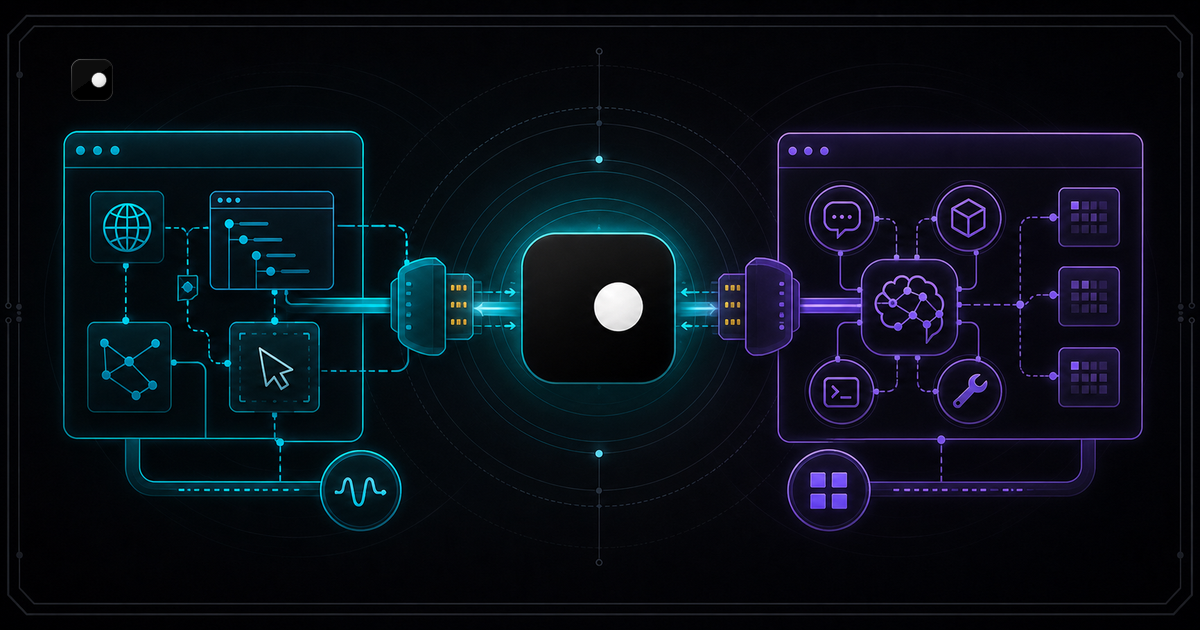
CDP vs MCP: When to Use Which for AI Browser Control
CDP controls the browser. MCP connects the AI. Learn when to use Chrome DevTools Protocol vs Model Context Protocol for AI agent browser automation.
Read article →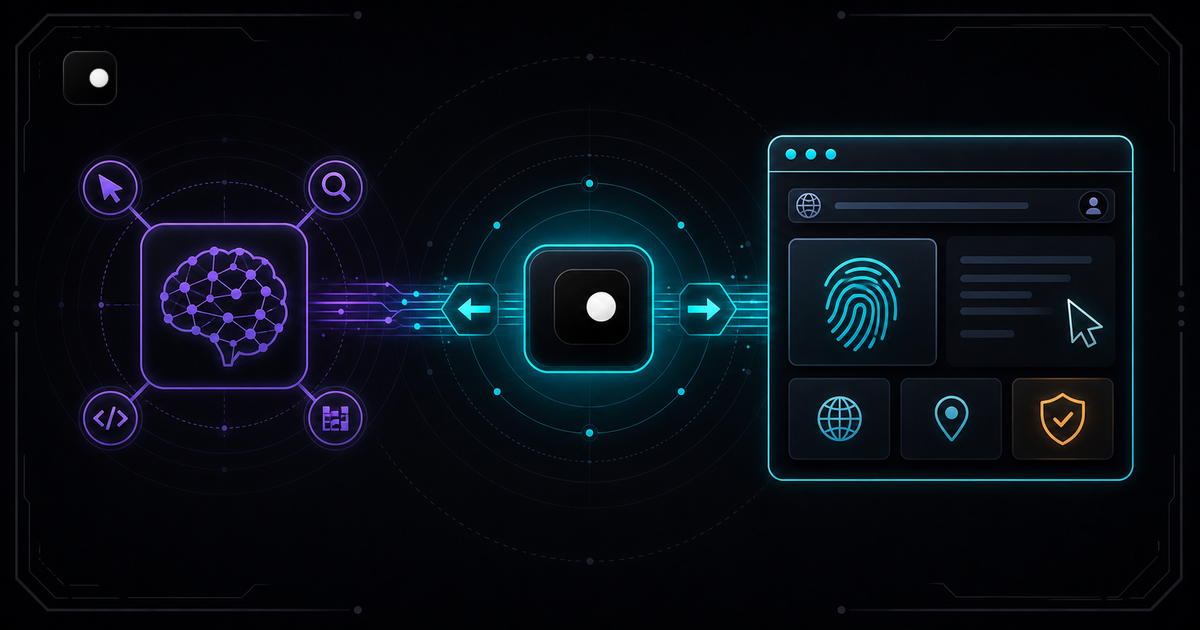
How to Build an AI Agent That Browses the Web (Python + CDP)
Step-by-step tutorial: connect an LLM to a browser with managed fingerprints using Playwright and CDP. Includes tool definitions, agent loop and scaling to parallel agents.
Read article →