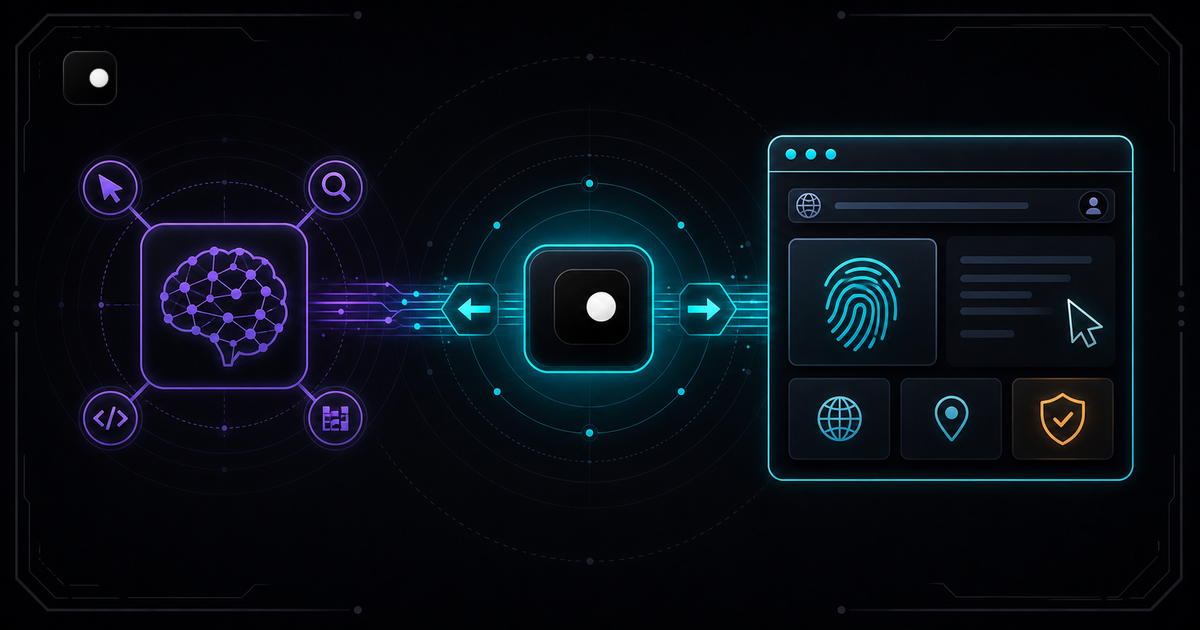
Most AI agent tutorials skip the part where the agent gets blocked. They show you how to connect an LLM to Playwright, scrape a demo page and call it done. Deploy that same code against a site behind Cloudflare and the agent fails on the first page load. The LLM's reasoning is correct but the browser underneath leaks automation signals that anti-bot systems flag instantly.
This tutorial builds a browser agent that works on real websites. You will connect an LLM to a browser that manages its own fingerprints, route traffic through a proxy so the IP matches the fingerprint and give the LLM tools to navigate, extract data and take actions. The full pipeline runs locally with Python, Playwright and Clawbrowser.
TL;DR: Connect your LLM to Clawbrowser over CDP using Playwright. Clawbrowser handles fingerprints, TLS and proxy routing at the engine level. Your agent code focuses on reasoning and actions instead of fighting anti-bot systems. Four code examples below take you from setup to a working agent that scrapes, navigates and fills forms on protected sites.
What you need
Before writing any agent code, set up the three layers: the browser, the LLM and the glue between them.
Browser layer: Clawbrowser. It is a Chromium fork with managed fingerprints across 20+ surfaces, built-in proxy routing, native CDP and an MCP server. Install it by opening Claude Code (or any AI agent with tool use) and pasting the install prompt from clawbrowser.ai.
LLM layer: Any model with tool-use support. This tutorial uses Claude via the Anthropic SDK. Swap in OpenAI, Gemini or a local model if you prefer.
Glue layer: Playwright connects to Clawbrowser over CDP. Your agent code defines tools that call Playwright methods. The LLM picks which tool to call based on the task.
# Install dependencies
pip install playwright anthropic
playwright install chromium
Step 1: Start Clawbrowser and connect Playwright
Every agent session starts by launching a Clawbrowser profile and connecting Playwright to its CDP endpoint. Each profile maintains its own fingerprint, cookies, storage and proxy assignment.
from playwright.async_api import async_playwright

async def connect_browser(profile: str = "agent-default"):
    """Connect Playwright to a running Clawbrowser profile over CDP."""
pw = await async_playwright().start()This is the same CDP endpoint any Chromium exposes. The difference: Clawbrowser's fingerprint surfaces (canvas, WebGL, fonts, navigator properties and more) are internally consistent and match the proxy's geolocation. Your agent doesn't need stealth plugins, User-Agent overrides or fingerprint spoofing code. That complexity is handled at the engine level. For the full CDP integration reference, see CDP Browser for AI Agents: A Developer Guide.
Step 2: Define browser tools for the LLM
The LLM doesn't control the browser directly. You define a set of tools (functions) that the LLM can call. Each tool wraps a Playwright action. The LLM picks the right tool based on its reasoning about the current page state.
import json

TOOLS = [
    {
"name": "navigate",Six tools cover the core actions any browser agent needs: navigate, read, click, type, extract and screenshot. You can add more (scroll, wait for selector, handle dropdowns) as your use case requires.
Step 3: Build the agent loop
The agent loop is the core of any tool-using AI agent. It sends the task to the LLM, checks if the LLM wants to call a tool, executes the tool, feeds the result back and repeats until the LLM returns a final answer.
import anthropic

client = anthropic.Anthropic()

async def run_agent(page, task: str, max_steps: int = 15):This is the same pattern used by every major agent framework (LangChain, OpenAI Agents SDK, Anthropic tool use). The difference is what browser sits underneath. With stock Chromium, the agent hits anti-bot walls. With Clawbrowser, the fingerprint and network layers are clean so the LLM can focus on the actual task.
Step 4: Run the agent on a real site
Put it all together. This example gives the agent a task that requires navigating a site, reading content and extracting structured data.
import asyncio

async def main():
    pw, browser, page = await connect_browser(profile="agent-web")
The agent navigates to the page, reads the DOM, extracts the data and returns structured JSON. No CSS selector hardcoding needed: the LLM figures out the page structure from the content. On a Cloudflare-protected site, the same code works because Clawbrowser's fingerprint passes the anti-bot check before the agent starts reasoning.
Why stock Chromium fails for agents
Every tutorial that connects an LLM to Playwright via browser.launch() creates a headless Chromium instance that leaks automation signals across 20+ fingerprint surfaces: navigator.webdriver set to true, a "HeadlessChrome" User-Agent, generic canvas hashes, a known TLS signature and more. Anti-bot systems check these signals before your agent's first tool call executes.
Stealth plugins patch some signals in JavaScript but miss engine-level checks like canvas rendering output and TLS fingerprints. Clawbrowser fixes all of these at the Chromium source level, per profile, so there is nothing to patch in your agent code. For the full detection model across all four layers (browser identity, network, behavior, sessions), see Browser Automation Without Getting Blocked: The 4-Layer Defense Stack.
Using MCP instead of CDP
If your agent framework supports MCP (Model Context Protocol), Clawbrowser's built-in MCP server provides browser tools without writing Playwright glue code. The agent sends MCP tool calls and Clawbrowser executes them directly.
{
  "mcpServers": {
    "clawbrowser": {
      "command": "clawctl",
"args": ["mcp", "serve"]With MCP, the agent gets browser tools (navigate, click, type, screenshot, extract) as standard MCP resources. No Playwright dependency required. This is the simplest path if you are building agents with Claude Code, Cursor or another MCP-compatible environment.
Scaling to multiple agents
When you need concurrent agents (scraping multiple sites, managing multiple accounts, running parallel workflows), each agent gets its own Clawbrowser profile. Profiles are isolated: separate fingerprints, cookies, storage and proxy assignments.
async def run_parallel_agents(tasks: list[dict]):
    """Run multiple browser agents in parallel, each with its own profile."""
    async def single_agent(task_config):
        pw, browser, page = await connect_browser(
profile=task_config["profile"]Each profile presents a different browser identity. Anti-bot systems see three independent users, not three requests from the same automation instance.
FAQ
Do I need an anti-detect browser to build a browser agent?
For demo sites and unprotected pages, stock Chromium works. For any site behind Cloudflare, Akamai or DataDome, your agent gets blocked within the first few requests. An anti-detect browser handles fingerprints, TLS and proxy routing so your agent code stays focused on the task. Clawbrowser is free, local and Chromium-based.
When should I use CDP vs MCP for my agent?
Use CDP (via Playwright or Puppeteer) when you need fine-grained control: custom selectors, precise wait conditions, intercepting network requests or injecting JavaScript. Use MCP when the LLM should decide what to do next without you writing browser glue code. This tutorial shows the CDP path because it gives you full control over the tool definitions. See the CDP Browser for AI Agents guide for the protocol-level details of both options.
Can I plug this into Browser Use, LangChain or another agent framework?
Yes. Replace the framework's default browser.launch() call with connect_over_cdp("http://127.0.0.1:9222"). The framework's reasoning layer stays the same. Clawbrowser replaces only the browser underneath.
What model should I use for the LLM layer?
Any model with tool-use support works. Claude Sonnet is a good default: fast enough for multi-step browsing, accurate enough to pick the right tool. For cost-sensitive jobs (bulk scraping with simple extraction), Claude Haiku keeps the per-step cost low. For complex multi-page reasoning, Claude Opus or GPT-4o handles longer chains better.
How do I debug when the agent takes wrong actions?
Add a verbose flag that prints the full tool call and result at each step. Most wrong actions come from three causes: the page content was truncated (increase the content[:4000] limit), the LLM hallucinated a CSS selector (switch to get_page_content first so it can read the DOM), or the page hadn't finished loading (add wait_for_load_state("networkidle") before reading).
My agent works on one site but gets blocked on another. What changed?
Different sites use different anti-bot systems with different detection thresholds. If the agent passes on Site A but fails on Site B, check two things: whether Site B requires a residential proxy (add one to the Clawbrowser profile) and whether Site B runs a JavaScript challenge like Turnstile (confirm the page finishes loading before the agent reads it).
Start building
Install Clawbrowser from clawbrowser.ai by pasting the install prompt into your AI agent. Connect Playwright over CDP. Define your tools. Run the agent loop. The browser handles fingerprints and network identity. Your code handles reasoning and actions.
For the protocol details, read CDP Browser for AI Agents: A Developer Guide. For the anti-detection architecture, read Browser Automation Without Getting Blocked. For why the runtime layer matters, read The Browser Runtime for AI Agents.
Continue exploring
Ask AI how Clawbrowser helps
Keep reading
Related articles
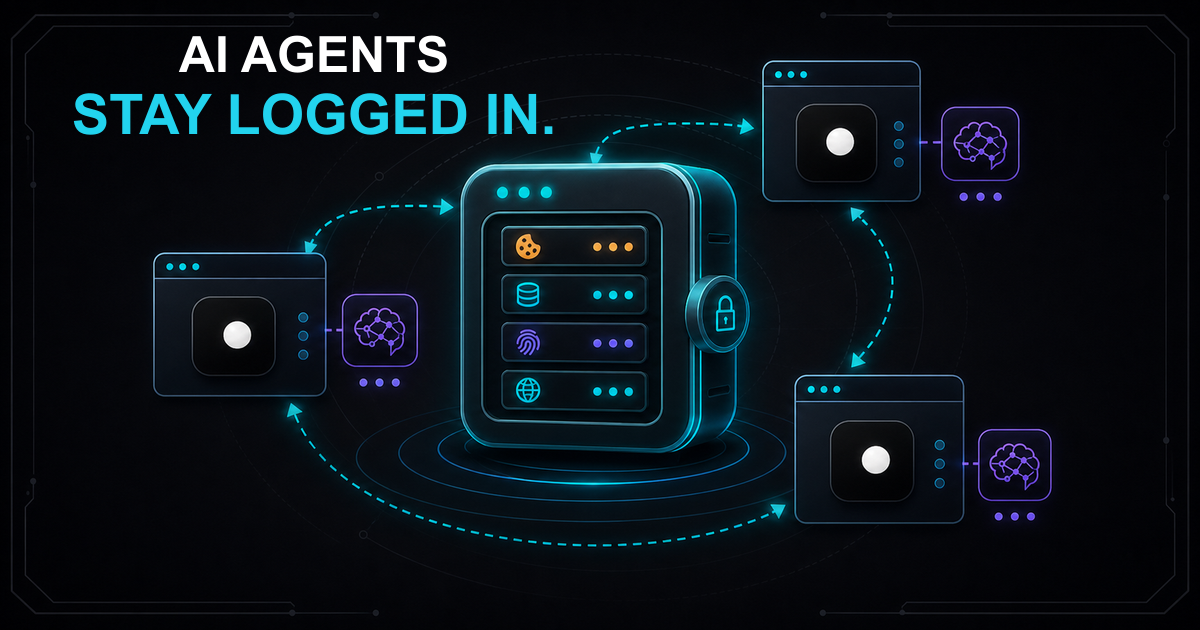
Session Persistence for AI Browser Agents: Why Your Agent Keeps Losing State
AI browser agents lose session state between runs because standard tools don't persist cookies and fingerprints together. Here's how to fix it with named browser profiles.
Read article →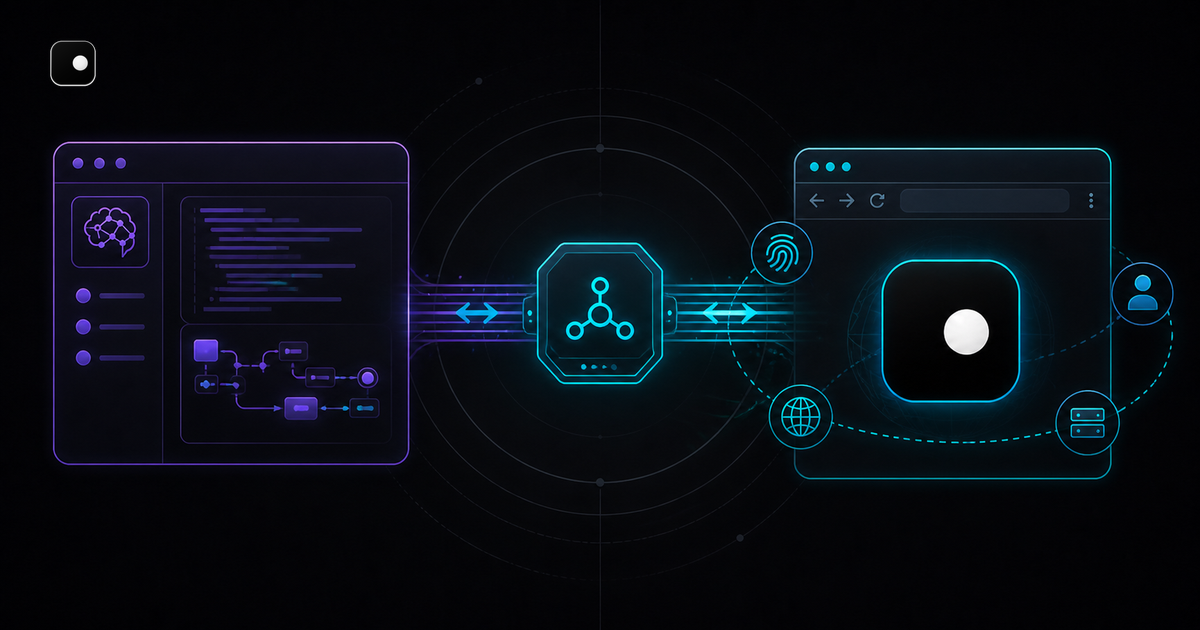
How to Connect Cursor to a Real Browser via CDP
Cursor's built-in browser is a sandboxed webview that can't hold sessions or dodge anti-bot systems. Connect Cursor to Clawbrowser over CDP for persistent profiles and managed fingerprints.
Read article →