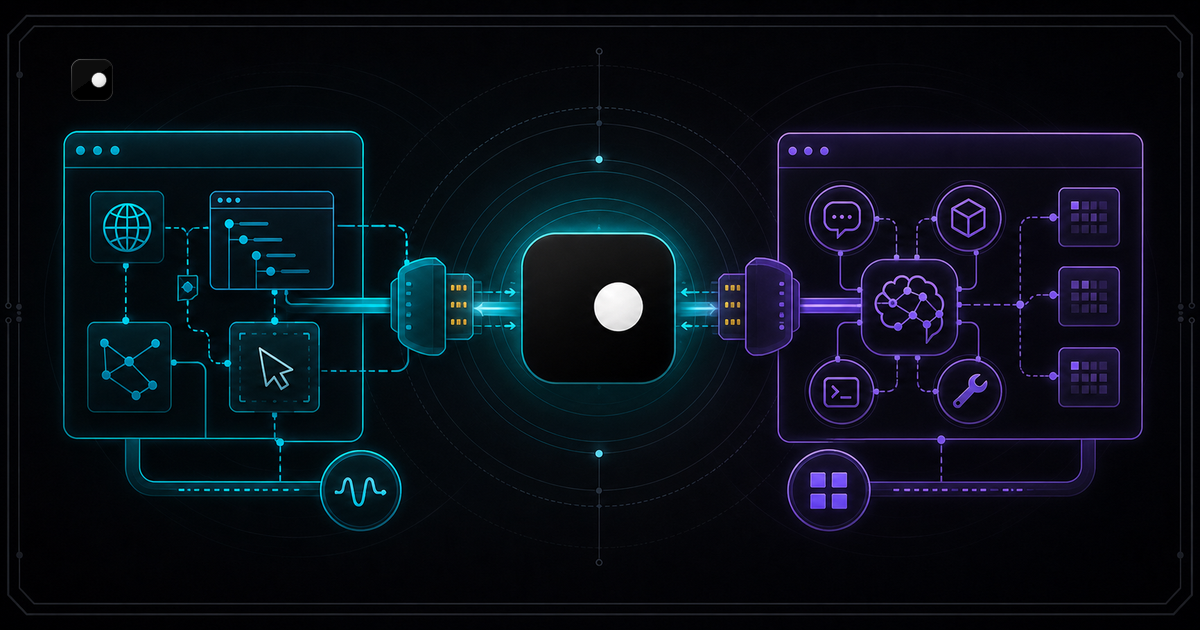
Two protocols dominate AI browser control: CDP (Chrome DevTools Protocol) and MCP (Model Context Protocol). They solve different problems at different layers, but developers building browser agents often conflate them or pick the wrong one for their use case. This guide breaks down what each protocol does, when to use which and how they work together in a production agent stack.
TL;DR: CDP gives your agent direct, low-level control over a browser through a WebSocket connection. MCP gives your LLM high-level browser tools through a standardized tool-use interface. CDP is the engine; MCP is the steering wheel. Most production AI agents need both: MCP for the LLM to decide actions, CDP underneath so the browser actually works. Clawbrowser supports both natively.
Note: "CDP" in this article refers to Chrome DevTools Protocol, the browser control standard.
What CDP and MCP Actually Are
CDP: Chrome DevTools Protocol
CDP is a WebSocket-based protocol for controlling Chromium browsers programmatically. Google built it for Chrome DevTools (the inspector you open with F12), but it became the standard for browser automation. Playwright, Puppeteer and every major automation library use CDP internally.
When you call page.goto() in Playwright, it sends a CDP command over a WebSocket to the browser. CDP gives you granular control: navigate pages, execute JavaScript, intercept network requests, manipulate cookies and capture screenshots.
# CDP: your code controls the browser directly
from playwright.async_api import async_playwright

async with async_playwright() as p:
browser = await p.chromium.connect_over_cdp("http://127.0.0.1:9222")For the full CDP deep-dive, see CDP Browser for AI Agents: A Developer Guide.
MCP: Model Context Protocol
MCP is a protocol that standardizes how LLMs connect to external tools. Instead of writing custom function-call definitions for each tool, the LLM discovers available tools through an MCP server and calls them using a standard interface.
For browser control, an MCP server exposes actions like navigate, click, type, screenshot and extract as tools the LLM can invoke. The LLM decides which tool to call based on the task. No Playwright code, no CSS selectors, no custom tool definitions in your agent.
{
  "mcpServers": {
    "clawbrowser": {
      "command": "clawctl",
"args": ["mcp", "serve"]Add that config to Claude Code, Cursor, Gemini CLI or any MCP-compatible agent. The LLM gets browser tools immediately.
Why they get confused
Both protocols connect an AI agent to a browser. Both use the word "protocol." Both appear in the same conversations about AI agent infrastructure. But they operate at different layers:
- CDP is a browser-level protocol. It talks to Chromium.
- MCP is an application-level protocol. It talks to LLMs.
An MCP browser server uses CDP internally to control the browser. They are not alternatives. They are layers in the same stack.
Side-by-Side Comparison
| CDP (Chrome DevTools Protocol) | MCP (Model Context Protocol) | |
|---|---|---|
| Created by | Google (Chrome team) | Anthropic |
| Protocol type | Browser control (WebSocket) | Tool use (stdio/SSE) |
| Who calls it | Your code (Playwright, Puppeteer, raw WebSocket) | An LLM (Claude, GPT, Gemini) |
| Control level | Low-level: DOM, network, JavaScript execution, cookies | High-level: navigate, click, type, screenshot, extract |
| Setup | Connect to a browser's debugging port | Configure an MCP server in your agent |
| Flexibility | Full: anything the browser can do | Limited to the tools the server exposes |
| Speed per action | Milliseconds (no inference) | 0.5-3 seconds (LLM decides each step) |
| Error handling | Your code handles errors | The LLM reasons about errors |
| Anti-detection | Not built in (browser-dependent) | Not built in (browser-dependent) |
| Best for | Scripted automation, fine-grained control, framework development | LLM-driven browsing, open-ended tasks, rapid prototyping |
Neither protocol handles anti-detection. That is a browser-level problem, not a protocol problem. A stock Chrome instance connected via CDP or through an MCP server leaks the same automation signals. Anti-detection requires an engine-level solution like Clawbrowser: managed fingerprints across 20+ surfaces, built-in proxy routing and CDP signal suppression at the Chromium source level.
When to Use CDP
Use CDP when you need precise, programmatic control over the browser and you know the exact steps in advance.
Scenarios where CDP wins:
- Structured scraping. You know which selectors to target, what data to extract and how to handle pagination. Your code runs the same steps every time.
- Network interception. You need to block resources, modify request headers, capture API responses or inject JavaScript before page load.
- Complex wait conditions. You need to wait for specific DOM elements, network idle states or JavaScript variable changes before acting.
- Performance-critical automation. CDP commands execute in milliseconds. No LLM inference delay per action. A 50-step scraping job that takes seconds over CDP would take minutes with LLM reasoning per step.
- Framework development. You are building an agent framework, testing harness or automation library that others will use.
# CDP: full control, full responsibility
await page.wait_for_selector("#login-form")
await page.fill("#email", "user@example.com")
await page.fill("#password", credentials)
await page.click("#submit")The trade-off: you write and maintain all the browser glue code. Every selector, every wait condition, every error handler. When the target page structure changes, your code breaks.
When to Use MCP
Use MCP when the LLM should decide what to do next based on what it sees on the page.
Scenarios where MCP wins:
- Open-ended browsing. "Find the pricing page and extract the plan details." The agent navigates, reads the page and decides what to click without hardcoded selectors.
- Multi-step workflows with judgment. "Log in, check if there's a new invoice, download it if the amount is over $500." The LLM handles the conditional logic by reading page content at each step.
- Rapid prototyping. You want a browser agent in five minutes without writing Playwright code. Add the MCP config, describe the task, done.
- Non-developer users. The agent operator describes tasks in natural language. No code required.
- Agent-native environments. Claude Code, Cursor and Gemini CLI already speak MCP. Adding a browser is one config block.
# MCP: the LLM decides what to do
User prompt: "Go to example.com and tell me the page title"

LLM calls: navigate(url="https://example.com")
LLM calls: screenshot()The trade-off: less precision. The LLM might click the wrong element, take extra steps or misread page content. Each action carries LLM inference latency. You cannot intercept network requests or inject JavaScript through standard MCP browser tools.
When to Use Both Together
This is where most production AI agents end up. MCP handles the LLM-to-agent interface. CDP handles the agent-to-browser interface. The MCP server sits between them, translating high-level tool calls into low-level browser commands.
LLM  ←  MCP  →  MCP Server  ←  CDP  →  Browser
                 (clawctl)               (Clawbrowser)
The LLM sends MCP tool calls ("navigate to this URL," "click the login button"). The MCP server translates those into CDP commands and sends them to the browser. Results flow back up the chain.
Why the browser layer matters
Most MCP browser servers connect to a stock Chrome instance via CDP. The browser has no fingerprint management, no proxy routing, no anti-detection. Your agent works on demo sites but gets blocked on production websites behind Cloudflare, DataDome or Akamai.
Clawbrowser's built-in MCP server connects to its own Chromium engine. When the LLM calls navigate, the MCP server sends a CDP command to a browser that already has managed fingerprints, geo-aligned proxy routing and engine-level CDP signal suppression. No stealth plugins, no proxy middleware, no fingerprint rotation code.
MCP path (LLM-driven, zero glue code):
{
  "mcpServers": {
    "clawbrowser": {
      "command": "clawctl",
"args": ["mcp", "serve"]CDP path (scripted, full control):
browser = await playwright.chromium.connect_over_cdp(
    "http://127.0.0.1:9222"
)
Both paths connect to the same Clawbrowser instance with the same fingerprints, proxy routing and anti-detection. Choose the interface that matches your use case. Use both in the same project when different parts of the workflow need different levels of control.
For a step-by-step tutorial building an agent with both protocols, see How to Build an AI Agent That Browses the Web.
Decision Framework
| Question | CDP | MCP |
|---|---|---|
| Do you know the exact steps in advance? | Yes | Use CDP |
| Should the LLM decide what to click? | Use MCP | Yes |
| Do you need network interception? | Yes | Not available |
| Do you need sub-second action speed? | Yes | No (LLM latency) |
| Are you building for non-developers? | No | Yes |
| Are you using Claude Code or Cursor? | Available | Native integration |
| Do you want zero browser code? | No | Yes |
If you answered "yes" to questions on both sides, use both: MCP for the LLM-driven parts, CDP for the precision parts. Clawbrowser handles the browser layer for either protocol.
FAQ
Can I switch between CDP and MCP without changing browsers?
Yes, if your browser supports both. Clawbrowser exposes a CDP endpoint on every profile and ships a built-in MCP server. Connect Playwright to the CDP endpoint for scripted automation and use the MCP server for LLM-driven browsing, both against the same browser profiles with the same fingerprints and sessions. See How to Connect Cursor to a Real Browser via CDP for a walkthrough of both connection methods.
Which protocol is faster?
CDP. Commands execute in milliseconds because no LLM inference is involved. MCP adds 0.5-3 seconds per action because the LLM must decide which tool to call and interpret the result. For a 50-step scraping job, CDP finishes in seconds. The same job through MCP takes minutes. Use CDP for bulk automation where you know the steps. Use MCP for tasks that require judgment at each step.
What about WebDriver BiDi?
WebDriver BiDi is a W3C standard aiming to replace both WebDriver (used by Selenium) and parts of CDP with a browser-agnostic protocol. It is still maturing. Playwright and Puppeteer still use CDP internally. When WebDriver BiDi reaches full adoption, it will compete with CDP at the browser control layer, not with MCP at the tool-use layer. The CDP-vs-MCP decision framework in this article applies regardless of which low-level browser protocol wins.
Do I need an anti-detect browser for either protocol?
Yes, if your agent automates on sites with anti-bot protection. Neither CDP nor MCP includes anti-detection. They are protocols for sending commands to a browser. If the browser leaks automation signals (navigator.webdriver, headless User-Agent, generic canvas hash), the site blocks it regardless of which protocol you use. See Browser Automation Without Getting Blocked for the full detection model.
Start Building
Install Clawbrowser from clawbrowser.ai by pasting the install prompt into your AI agent.
MCP path (LLM-driven): add the Clawbrowser MCP server config to your agent and start browsing in natural language.
CDP path (scripted): connect Playwright or Puppeteer to the CDP endpoint and write your automation code.
Both: use MCP for the parts where the LLM reasons about what to do. Use CDP for the parts where you need precise, fast, deterministic control. Same browser, same fingerprints, same sessions.
For the CDP deep-dive, read CDP Browser for AI Agents: A Developer Guide. For a full build tutorial, read How to Build an AI Agent That Browses the Web.
Continue exploring
Ask AI how Clawbrowser helps
Keep reading
Related articles
Session Persistence for AI Browser Agents: Why Your Agent Keeps Losing State
AI browser agents lose session state between runs because standard tools don't persist cookies and fingerprints together. Here's how to fix it with named browser profiles.
Read article →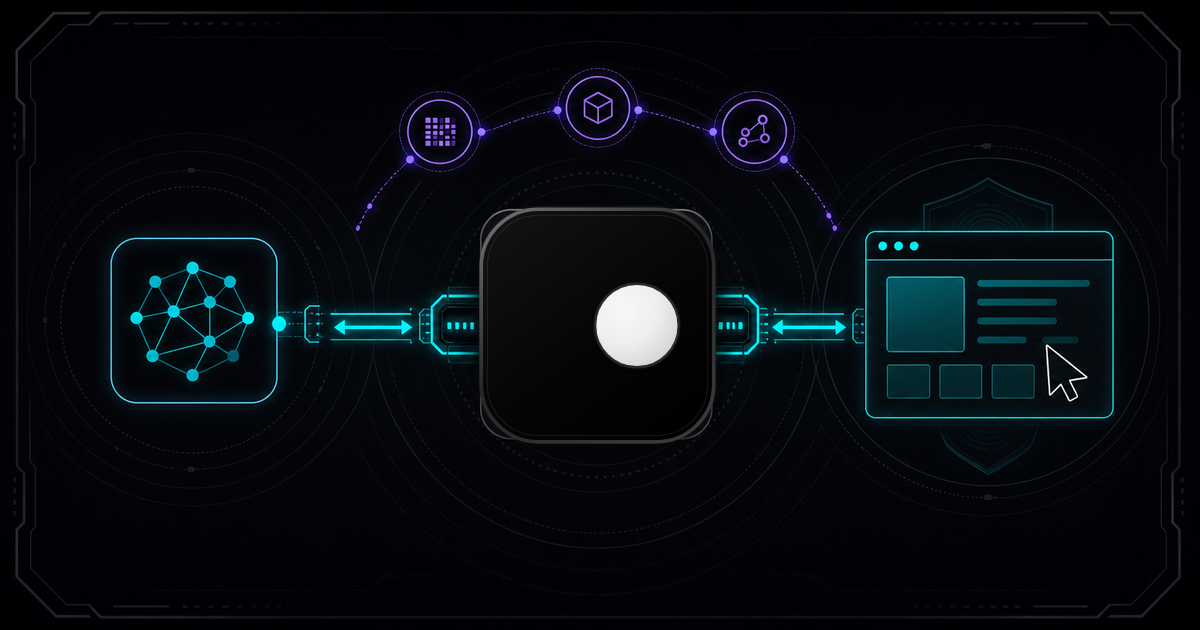
CDP Browser for AI Agents: A Developer Guide
Chrome DevTools Protocol is the standard way AI agents control browsers. Standard Chrome gets detected. Here's how to connect your agent to a CDP browser that doesn't get blocked.
Read article →