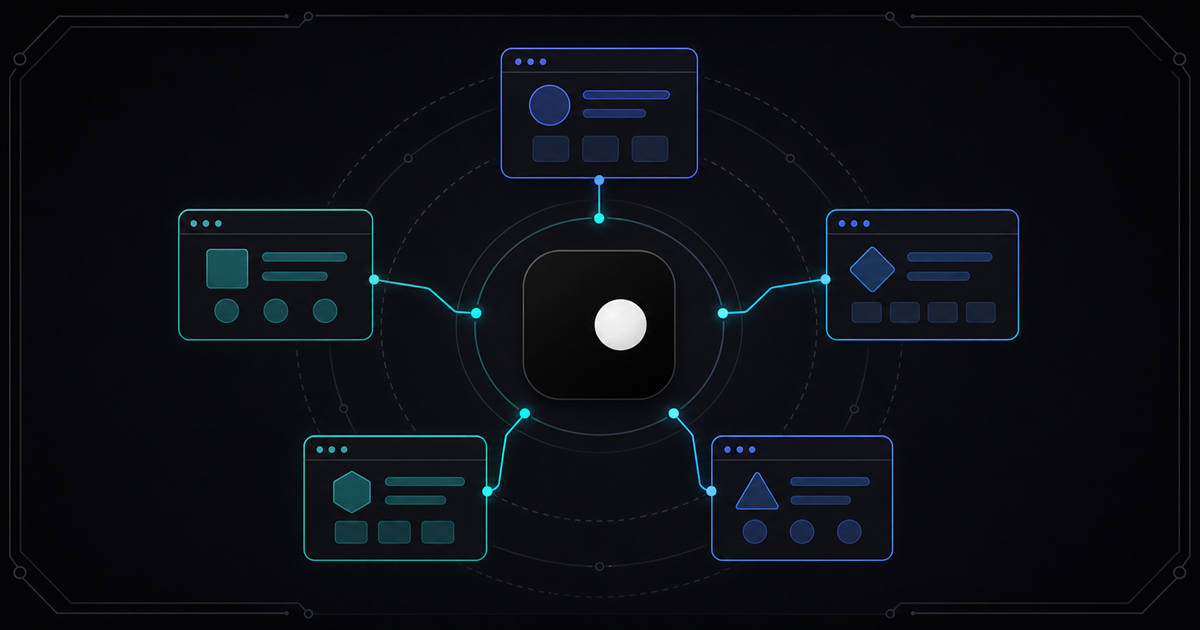
A free anti-detect browser should be free. Not "free for 10 profiles." Not "free trial for 7 days." Not "free tier with 60 minutes of session time per month." Actually free — unlimited profiles, unlimited sessions, no usage meter, no credit card. Clawbrowser is the open source anti-detect browser we built because the best things in life are free — browsers shouldn't be the exception.
TL;DR: Clawbrowser is a free, open source, Chromium-based anti-detect browser with managed fingerprints across 20+ surfaces, built-in proxy routing, native CDP, and a built-in MCP server. Unlimited profiles, unlimited sessions, no payment tier. It runs locally — what happens on your machine stays on your machine. Like Vegas. You know the rest.
What "Free" Actually Means in Anti-Detect Browsers
Search for "free anti-detect browser" and you'll find listicles ranking commercial tools by how many profiles their free tier allows. Here's what those free tiers actually look like:
| Tool | "Free" profiles | Session limits | What happens next |
|---|---|---|---|
| GoLogin | 3 profiles | 7-day trial for full features | $24/mo for 100 profiles |
| AdsPower | 5 profiles | Limited features | $9/mo for 10 profiles |
| Incogniton | 10 profiles | 2-month trial, then 3 | Paid plans required |
| Dolphin Anty | 5 profiles | Trial period | Paid plans required |
| Clawbrowser | Unlimited | None | Still free |
These tools aren't free. They're freemium lead funnels. The free tier exists to get you building workflows that depend on the tool, then charge you when you need a sixth profile or your trial expires.
That model works for the vendors. It doesn't work for developers who need 20 profiles for multi-account testing, or AI agent builders who need persistent browser identities without a monthly bill, or scraping engineers who run sessions for hours without watching a usage meter tick.
Why Most Anti-Detect Browsers Cost Money
The pricing makes sense when you understand the architecture. Most commercial anti-detect browsers are cloud services. GoLogin and AdsPower run browser instances on their servers. You pay for compute, storage, and bandwidth — per profile, per minute, per gigabyte.
That's the same model as Browserbase and other cloud browser APIs. The vendor provisions infrastructure, and you rent it.
Clawbrowser doesn't run in a vendor's cloud. It runs on your machine. A patched Chromium binary, installed locally, using your hardware. There's no per-session compute cost to pass on to you because there's no remote server involved.
That architectural choice — local instead of cloud — is why Clawbrowser can be free without a catch. The compute is yours. The storage is yours. The only optional cost is proxy bandwidth if you route traffic through residential or datacenter proxies.
What Clawbrowser Is
Clawbrowser is the only local, free, Chromium-based anti-detect browser with managed fingerprints, proxy routing, native CDP, and a built-in MCP server.
Breaking that down:
- Local. Runs on your macOS, Windows, or Linux machine. Runs in Docker containers. No cloud dependency.
- Free. No profile limits, no session limits, no usage meter. Pay only for proxy bandwidth if you use it.
- Chromium-based. Real Chromium binary, not a Firefox fork or Electron wrapper. Sites see standard Chrome behavior.
- Managed fingerprints. Coherent fingerprint profiles across 20+ surfaces — canvas, WebGL, AudioContext, navigator, screen, timezone, fonts — all internally consistent. No contradictions that trigger bot detection.
- Proxy routing. Built-in residential and datacenter proxy support, aligned with fingerprint geography.
- Native CDP. Standard Chrome DevTools Protocol on
localhost. Connect Playwright, Puppeteer, or any CDP client with one URL change. - Built-in MCP server. AI agents that speak Model Context Protocol control the browser directly — no API keys, no cloud dependency.
- Open source. Source code on GitHub. Inspect the patches. Verify there's no telemetry. Build from source if you want.
Copy the install prompt from clawbrowser.ai and paste it into your AI agent, or install manually:
clawctl install
clawctl config set --api-key YOUR_API_KEY
clawctl session start --name my-session
clawctl verify --name my-sessionWhat You Get for Free
Every feature listed here ships to every user. There is no "advanced stealth" tier. No "enterprise-only" fingerprint management. No gated features behind a paywall.
Unlimited fingerprint profiles
Create as many isolated browser profiles as your hardware supports. Each profile gets a unique, internally consistent fingerprint — canvas hash, WebGL renderer, font list, screen dimensions, timezone, language, AudioContext output — all aligned so anti-bot systems see a coherent identity, not a patchwork of spoofed values.
This is what distinguishes managed fingerprints from raw spoofing. Spoofing individual signals is easy. Making them consistent with each other is the hard part. Clawbrowser handles consistency at the engine level. Read why coherence beats spoofing for the full technical breakdown.
Native CDP access
Your automation code connects to localhost:9222. One URL. Standard protocol. No SDK, no wrapper, no vendor library.
from playwright.async_api import async_playwright

async with async_playwright() as p:
    browser = await p.chromium.connect_over_cdp("http://127.0.0.1:9222")
page = browser.contexts[0].pages[0]If you're already using Playwright or Puppeteer with stock Chromium, switching to Clawbrowser is a one-line change. Same CDP protocol, same API — different browser underneath. That's why Playwright scripts stop getting blocked when you swap the browser layer.
Built-in MCP server
AI agents running in Claude Code, Codex, Gemini CLI, or any MCP-compatible framework connect directly to Clawbrowser's local MCP server. No API key. No cloud roundtrip. The agent issues navigation, screenshot, and interaction commands over the protocol, and the browser executes them locally.
Proxy routing
Assign residential or datacenter proxies per profile. The browser routes traffic through the proxy and aligns fingerprint geography — timezone, language, locale — with the proxy's exit region. No mismatches that trip geo-consistency checks.
Session isolation
Each profile runs in full isolation — separate cookies, separate storage, separate fingerprint, separate proxy. No data leaks between profiles. This is what multi-account management requires: not just multiple tabs, but multiple identities that websites cannot link.
Remote streaming
Watch your agent work in real time from the Clawbrowser dashboard — on your laptop, tablet, or phone. Start a long-running task on a VPS, close your terminal, check progress from your phone later. No vendor session replay. Live view.
Open Source Matters for Anti-Detection
Anti-detect browsers sit between your automation code and every website you visit. They handle credentials, session tokens, cookies, and browsing data. You're trusting this tool with everything.
With closed-source anti-detect browsers, that trust is blind. You cannot verify what data the browser collects, whether it phones home, or what happens to your fingerprint profiles on the vendor's servers.
This is not hypothetical. In January 2025, AdsPower experienced a security breach that affected user data. When your anti-detect browser runs on someone else's infrastructure and you can't inspect the code, a vendor compromise is a compromise of every account you manage through that tool.
Clawbrowser's source code is on GitHub. You can:
- Audit the Chromium patches — verify exactly which fingerprint surfaces are modified and how
- Confirm no telemetry — search the codebase for any data collection, network calls, or tracking
- Build from source — compile the binary yourself if you don't trust pre-built releases
- Contribute fixes — found a fingerprint leak? Submit a patch. The fix ships to everyone.
Open source doesn't automatically mean secure. But it means verifiable. You don't have to take anyone's word for what the browser does — you can read the code.
How Clawbrowser Compares to Free Alternatives
The closest free and open source alternative is Camoufox. Here's how they differ:
| Feature | Clawbrowser | Camoufox |
|---|---|---|
| Engine | Chromium | Firefox |
| License | Open source | Open source |
| Pricing | Free | Free |
| Fingerprint management | Managed, 20+ surfaces, engine-level | Engine-level, Firefox surfaces |
| CDP support | Native, localhost | No (Playwright via custom wrapper) |
| MCP server | Built-in | No |
| Proxy routing | Built-in, per-profile | Manual configuration |
| AI agent integration | Claude Code, Codex, Gemini CLI, Hermes Agent, Kilo Code | Playwright wrapper |
| Headless mode | Yes | Yes (primary mode) |
| GUI browser | Full Chromium GUI | Firefox GUI available |
| Remote streaming | Live dashboard view | No |
| Maintenance status | Active | Resumed after gap; performance degraded due to Firefox version lag |
| Platforms | macOS, Windows, Linux, Docker | macOS, Windows, Linux |
Why Chromium matters
Camoufox is built on Firefox. That's a legitimate technical choice — Firefox has a different fingerprint surface than Chromium, which can be an advantage. But the web runs on Chromium. Over 65% of browser traffic uses Chrome or Chromium-based browsers. When an anti-bot system sees a Firefox fingerprint doing automated work, it's already unusual. A Chromium fingerprint blends into the majority.
Why local matters more than "free tier"
Every commercial anti-detect browser listed in the comparison table above runs on vendor infrastructure. Even their "free" profiles exist on someone else's servers. Your fingerprint data, your cookies, your session tokens — stored and managed by the vendor.
Clawbrowser and Camoufox both run locally. Your data stays on your machine. For credential-heavy workflows, account management, or any use case where data residency matters, local isn't just cheaper — it's architecturally necessary.
Frequently Asked Questions
Is Clawbrowser really free?
Yes. Unlimited profiles, unlimited sessions, no time limits, no credit card required. The only optional cost is proxy bandwidth if you use Clawbrowser's residential or datacenter proxy routing. The browser itself, fingerprint management, CDP access, MCP server, and all anti-detect features are free for every user.
How does Clawbrowser make money if it's free?
Clawbrowser charges for managed proxy bandwidth — residential and datacenter proxy traffic routed through the browser. The browser, fingerprint engine, and all automation features are free. This model works because the expensive part of anti-detect browsing for most users is proxy infrastructure, not the browser itself.
Can I use Clawbrowser with Playwright and Puppeteer?
Yes. Clawbrowser exposes a standard CDP endpoint on localhost:9222. Connect with connect_over_cdp() in Playwright or puppeteer.connect() in Puppeteer. No SDK, no wrapper, no code changes beyond the connection URL. Your existing automation scripts work as-is.
How is Clawbrowser different from just using Chrome with stealth plugins?
Stealth plugins like puppeteer-extra-stealth patch automation signals in JavaScript — overriding navigator.webdriver, spoofing chrome.runtime, and similar surface-level fixes. Anti-bot systems have moved past these patches. They check deeper signals — canvas rendering, WebGL output, AudioContext hashes, font enumeration — that JavaScript patches can't reach. Clawbrowser patches at the Chromium engine level, modifying how the browser actually renders and reports these signals. The difference is between masking symptoms and changing the source.
Continue exploring
Ask AI how Clawbrowser helps
Keep reading
Related articles
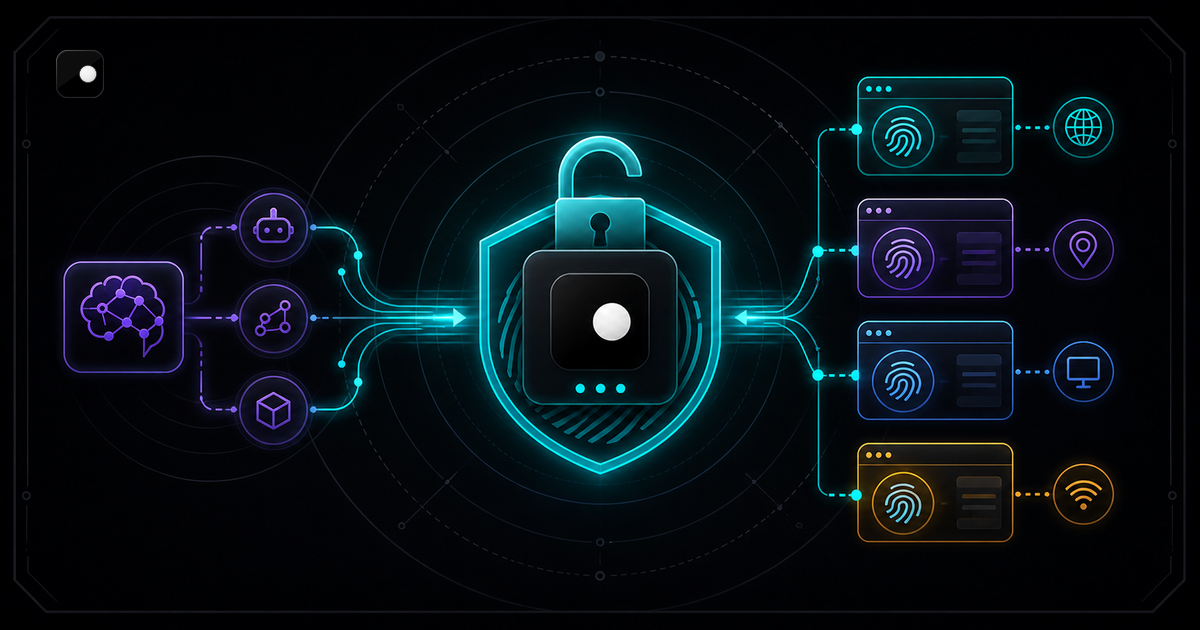
Free Anti-Detect Browser for AI Agents: What Actually Works
Most anti-detect browsers charge per profile or per session. Here is what is actually free for AI agent automation, what is free with a catch and how the trade-offs stack up.
Read article →
Web Scraping Without Getting Detected: Techniques That Always Work
Practical web scraping guide: site reconnaissance, choosing HTTP vs browser, data extraction patterns, pagination, session management and scaling.
Read article →