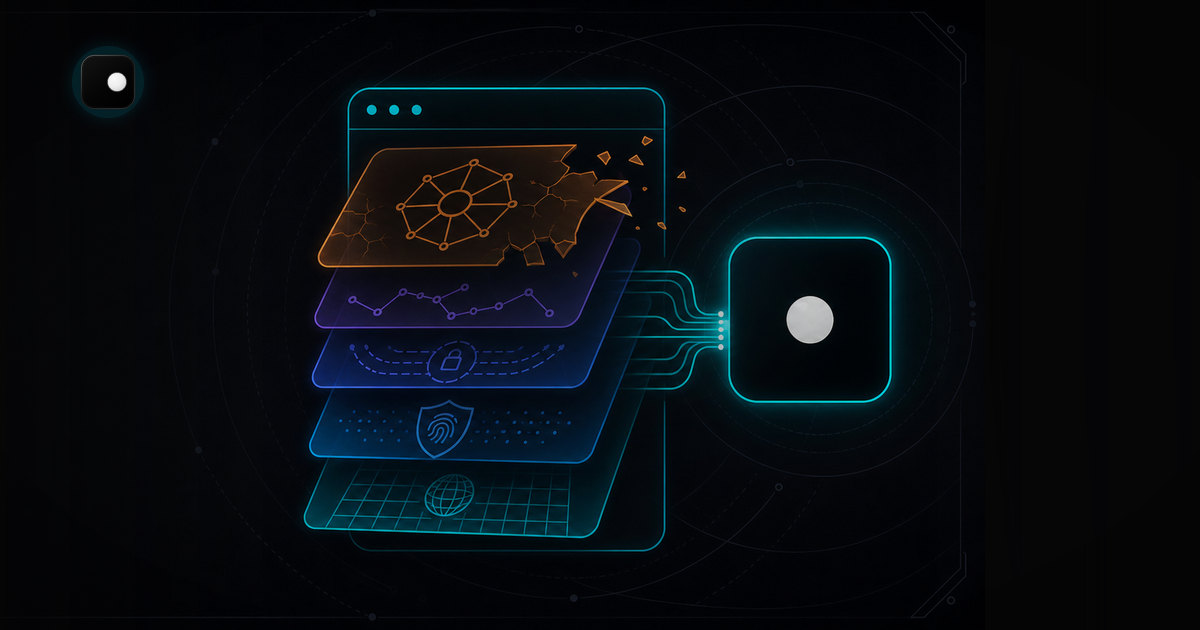
puppeteer-extra-plugin-stealth is the most popular anti-detection package for Puppeteer. It still gets 600K+ weekly downloads on npm. It also hasn't shipped an update since March 2023. Version 2.11.2 is the latest release, and it will stay that way: maintenance is inactive, the GitHub issues are piling up and anti-bot systems have moved on.
TL;DR: Stealth plugins patch detection signals with JavaScript overrides at the page level. In 2026, anti-bot systems like Cloudflare, Akamai and DataDome check signals that JavaScript can't reach: TLS fingerprints, CDP protocol artifacts and engine-level rendering differences. The fix isn't a better plugin. It's a different layer: either a patched driver that hides protocol leaks or a patched browser that handles fingerprints at the engine level.
What stealth plugins actually do
puppeteer-extra-plugin-stealth bundles 11 evasion modules that run via evaluateOnNewDocument. Each module patches one detection surface:
| Module | What it patches |
|---|---|
webdriver |
Removes navigator.webdriver = true |
chrome.runtime |
Fakes the chrome.runtime object |
chrome.csi / chrome.app |
Adds missing Chrome API stubs |
navigator.plugins |
Spoofs the plugin array |
navigator.languages |
Overrides language settings |
navigator.permissions |
Fixes permission query behavior |
media.codecs |
Spoofs codec support |
sourceurl |
Hides //# sourceURL from injected scripts |
iframe.contentWindow |
Fixes cross-origin iframe detection |
webgl.vendor |
Spoofs WebGL vendor/renderer strings |
user-agent-override |
Sets a realistic User-Agent header |
These patches worked in 2021-2022 when anti-bot systems primarily checked page-level JavaScript properties. They don't work against what modern detection systems actually check.
Why stealth plugins fail in 2026
Anti-bot detection has moved below the JavaScript layer. The signals that matter now are ones that evaluateOnNewDocument can't reach.
CDP protocol leaks
When Puppeteer connects to Chrome, it sends CDP commands like Runtime.enable, Page.enable and Network.enable. These commands leave artifacts in the browser's internal state that anti-bot scripts can detect. The stealth plugin doesn't touch CDP because it operates at the page level, not the protocol level.
The Runtime.enable command alone is enough to fingerprint an automated session. No amount of page-level patching hides the fact that CDP commands have been issued.
TLS fingerprinting
Cloudflare checks TLS fingerprints (JA3/JA4) before serving any HTML. If the TLS fingerprint is wrong, your session is challenged or blocked before the stealth plugin's JavaScript patches even load. The plugin operates at the page level and has no access to the TLS layer. For a full explanation of how TLS fingerprinting works in the detection stack, see the network layer section of Browser Automation Without Getting Blocked.
JavaScript override detection
Anti-bot scripts don't just check the value of navigator.webdriver. They check the property descriptor. A real browser has webdriver defined as a native getter on the Navigator prototype. The stealth plugin overrides it with Object.defineProperty, which changes the descriptor's configurable flag and the toString() output of the getter function. Detection scripts test for these discrepancies.
The same applies to other overrides. chrome.runtime, plugin arrays and permission queries all have detectable differences when their native implementations are replaced with JavaScript stubs.
Headless rendering differences
Even with --headless=new (the newer headless mode), Chrome renders slightly differently than headed Chrome. Font metrics, GPU-accelerated canvas output and screen dimension APIs all differ. The stealth plugin patches some navigator properties but can't change how the rendering engine itself behaves.
What replaced stealth plugins
The ecosystem has split into two approaches: patched drivers (fix the protocol layer) and patched browsers (fix the engine layer). They solve different problems.
Patched drivers: Rebrowser and Patchright
Rebrowser provides drop-in replacements for Puppeteer and Playwright (rebrowser-puppeteer, rebrowser-playwright). The patches target CDP protocol artifacts: they modify how Runtime.enable and other commands interact with the browser to avoid leaving detectable traces. You swap the package name in your code and everything else stays the same.
// Before: detected
const puppeteer = require('puppeteer');

// After: CDP artifacts patched
const puppeteer = require('rebrowser-puppeteer');Patchright does the same for Playwright, with a focus on Python. It patches Runtime.enable leaks and is actively maintained.
Limitation: Patched drivers fix protocol detection but don't address browser fingerprinting. If the site checks Canvas, WebGL, AudioContext or font rendering, you're still exposed. Patched drivers handle the "are you automated?" question but not the "are you a real device?" question.
Patched browsers: anti-detect engines
A patched browser modifies Chromium itself so that fingerprint signals are coherent at the engine level. Canvas output, WebGL rendering, AudioContext data, font metrics, screen dimensions, timezone and locale all report values that match a single real device profile.
This is what Clawbrowser does. It's a Chromium fork with engine-level fingerprint patches across 20+ surfaces, built-in proxy routing, WebRTC leak prevention and native CDP support. Your existing Puppeteer or Playwright code connects to it over CDP:
from playwright.async_api import async_playwright

async def automate_without_detection():
    async with async_playwright() as p:
# Connect to Clawbrowser instead of stock ChromeWhat this handles that stealth plugins don't:
- Engine-level Canvas/WebGL/AudioContext coherence (not JavaScript stubs)
- TLS fingerprint matching a real Chrome session
- CDP connection without
Runtime.enableartifacts - WebRTC leak prevention at the browser level
- Proxy routing with geographic alignment built in
For the full breakdown of what gets fingerprinted, see Browser Fingerprinting Explained: The 20+ Signals Anti-Bot Systems Use.
How to choose
The right tool depends on what's detecting you.
| Detection type | Symptom | Fix |
|---|---|---|
| CDP protocol artifacts | Blocked immediately on page load, no CAPTCHA | Patched driver (Rebrowser, Patchright) |
| Browser fingerprint mismatch | CAPTCHA on every page, or silent data differences | Patched browser (Clawbrowser) |
| TLS fingerprint mismatch | Blocked before page loads (403 on first request) | Patched browser with proxy routing |
| IP reputation | Blocked from datacenter IPs | Residential proxy (any approach) |
| Behavioral detection | Blocked after 5-10 pages | Timing and session management in your code |
When patched drivers are enough
If you're automating sites with basic detection that checks CDP artifacts but doesn't fingerprint your browser deeply, Rebrowser or Patchright will work. This covers a lot of sites with lighter anti-bot setups.
When you need a patched browser
If the site runs Cloudflare Bot Management, Akamai Bot Manager, DataDome or PerimeterX, you need engine-level fingerprint coherence. Page-level patches and driver-level patches aren't enough when the detection checks 20+ browser surfaces simultaneously.
Clawbrowser is a local, free, Chromium-based anti-detect browser with managed fingerprints, proxy routing, native CDP and a built-in MCP server. It handles the browser identity and network layers so your code only deals with behavior and session management.
Migrating from stealth plugins
If you're currently using puppeteer-extra-plugin-stealth or playwright-stealth, migration to Clawbrowser takes under five minutes.
Before (stealth plugin)
const puppeteer = require('puppeteer-extra');
const StealthPlugin = require('puppeteer-extra-plugin-stealth');
puppeteer.use(StealthPlugin());

const browser = await puppeteer.launch({ headless: false });After (Clawbrowser)
const puppeteer = require('puppeteer-core');

// Connect to Clawbrowser over CDP
const browser = await puppeteer.connect({
browserWSEndpoint: 'ws://127.0.0.1:9222'The key difference: you remove puppeteer-extra and puppeteer-extra-plugin-stealth from your dependencies entirely. No plugin configuration. No evasion module selection. The anti-detection happens at the browser level, not in your code.
For scraping-specific patterns (pagination, session warming, Cloudflare bypass), see Web Scraping Without Getting Detected.
FAQ
Is puppeteer-extra-stealth completely useless?
It still works on sites with no commercial anti-bot system. If the target site only checks navigator.webdriver and basic JavaScript properties, the stealth plugin is enough. But any site running Cloudflare, Akamai, DataDome, PerimeterX or social media platforms like Facebook, Instagram, LinkedIn and X will detect it.
Does playwright-stealth have the same problems?
Yes. playwright-stealth uses the same approach: JavaScript overrides via page-level injection. It can't reach TLS fingerprints, CDP artifacts or engine-level rendering. The detection limitations are identical.
Can I use Rebrowser and Clawbrowser together?
You don't need to. Clawbrowser handles both the protocol layer and the fingerprint layer. Rebrowser patches are useful when you're running stock Chrome and can't switch to an anti-detect browser. If you're using Clawbrowser, the CDP artifacts are already handled.
Why does stealth still get 600K downloads per week?
Inertia. Most tutorials and Stack Overflow answers still recommend it. Developers copy-paste solutions that worked in 2022 without checking if the package is still maintained. The high download count doesn't mean it's effective against modern detection.
Stop patching, start fixing
Stealth plugins were a reasonable solution when anti-bot detection relied on JavaScript-level checks. Detection has moved to TLS fingerprints, CDP protocol analysis and engine-level rendering differences. Patching at the page level can't reach these signals.
Install Clawbrowser to handle detection at the browser level: copy the install prompt from clawbrowser.ai and paste it into your AI agent. Remove puppeteer-extra and puppeteer-extra-plugin-stealth from your dependencies. Connect your existing Puppeteer or Playwright code over CDP. The anti-detection is in the browser, not in your code.
For the underlying detection model, see Browser Automation Without Getting Blocked: The 4-Layer Defense Stack.
Continue exploring
Ask AI how Clawbrowser helps
Keep reading
Related articles
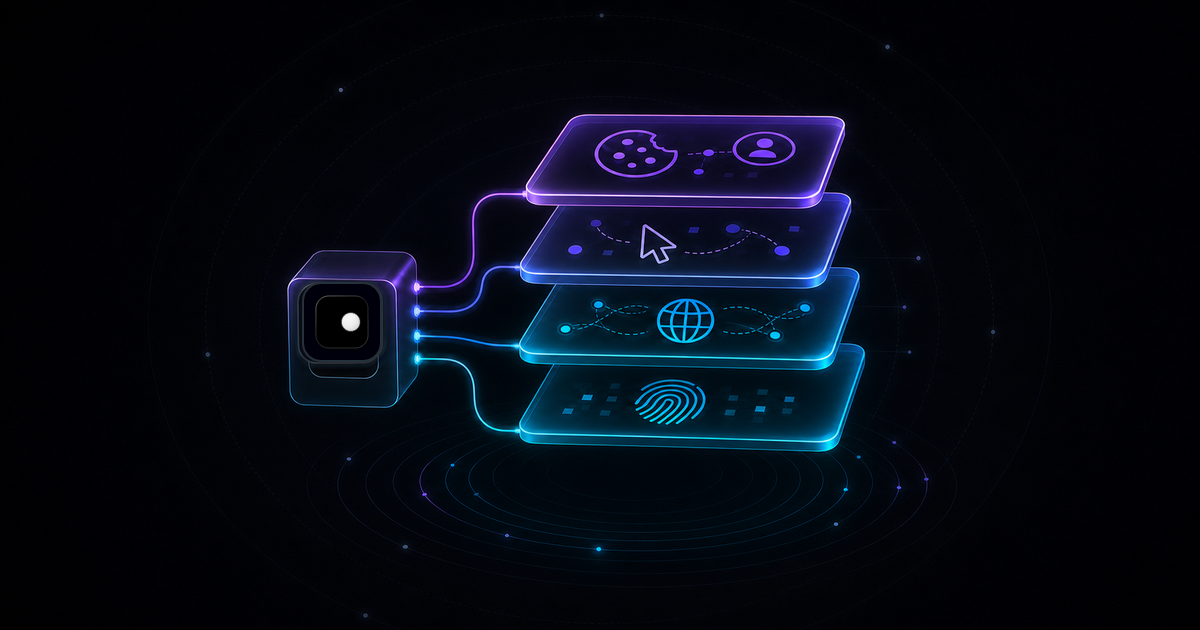
Browser Automation Without Getting Blocked: The 4-Layer Defense Stack
Why browser automation gets blocked and how to fix it at every layer: browser identity, network, behavior and session management. A structural guide for developers.
Read article →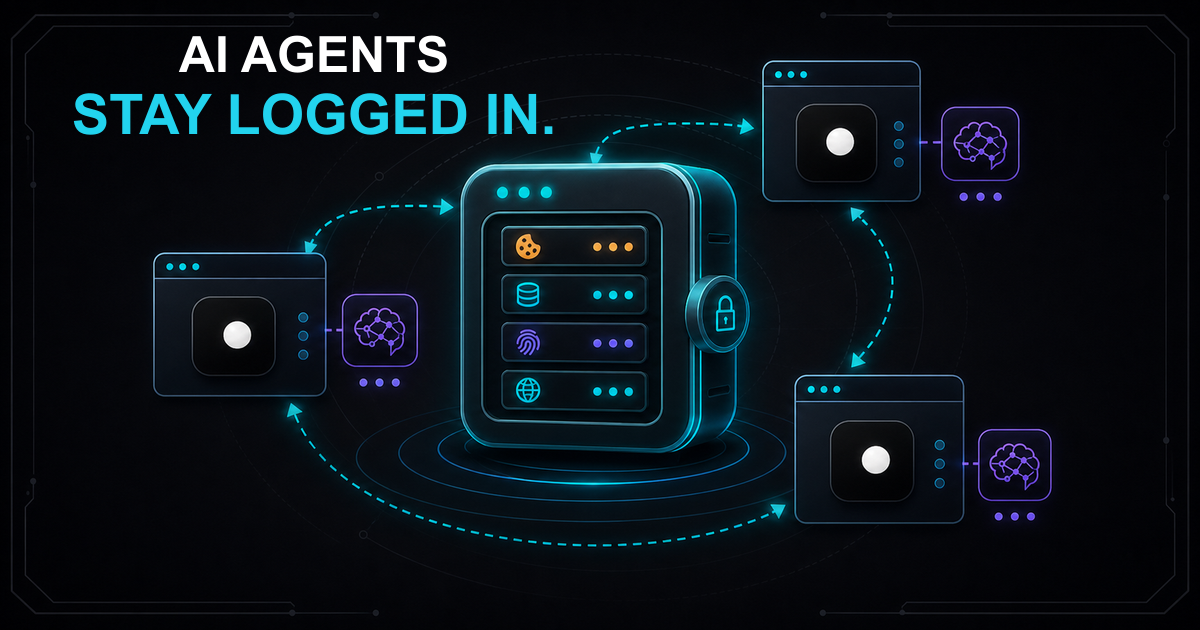
Session Persistence for AI Browser Agents: Why Your Agent Keeps Losing State
AI browser agents lose session state between runs because standard tools don't persist cookies and fingerprints together. Here's how to fix it with named browser profiles.
Read article →