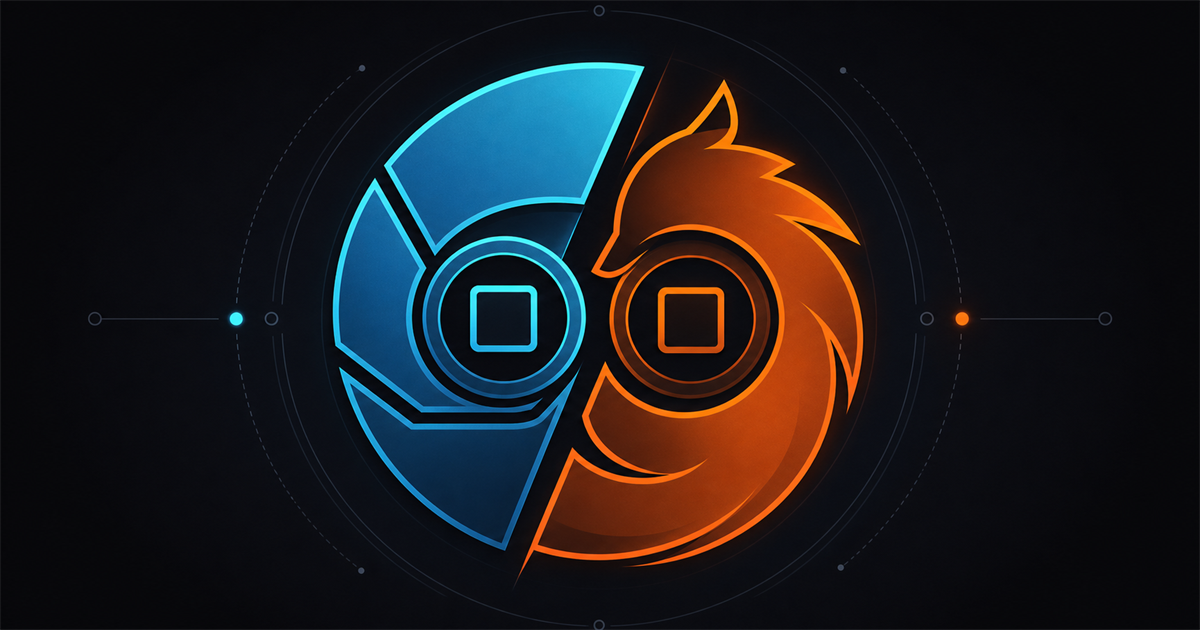
If you're building AI agents that browse the web, you've hit the wall: your Playwright script works locally, then gets blocked in production. You search for an anti-detect browser, and two names come up — Clawbrowser and Camoufox. Both are free, open source, and built for automation. But they make fundamentally different architectural choices that determine which agent workflows they support.
TL;DR: Clawbrowser is a Chromium fork with native CDP, managed fingerprints across 20+ surfaces, built-in proxy routing, and an MCP server. Camoufox is a Firefox fork using Juggler with C++-level fingerprint injection and a ~200 MB footprint. If your agent stack uses CDP or MCP (Claude Code, Codex, Cursor, Hermes Agent, Kilo Code, Puppeteer), pick Clawbrowser. If you need Playwright-on-Firefox with minimal memory, evaluate Camoufox.
Anti-Detect Browser: Chromium vs Firefox
Chromium powers roughly 65% of desktop browsers globally. Automation running on Chromium blends into the majority of real traffic. Firefox sits around 3% market share — a smaller fingerprint surface that's sometimes an advantage (fewer Chromium-specific bot signatures) and sometimes a liability (some WAFs flag Firefox TLS handshakes more aggressively).
In a 2026 benchmark by Ian Paterson testing 7 anti-detect tools against 31 targets, Camoufox scored 25 OK / 3 gated / 3 blocked — tying for fourth place. Firefox's TLS shape helped it pass Google Search (where three Chromium tools got blocked) but caused it to be the only tool blocked on dev.to due to a Firefox-specific CDN fingerprint.
Neither engine is universally better at stealth. The real question is which one fits your stack.
CDP Browser for AI Agents: Why Protocol Matters
Chrome DevTools Protocol (CDP) is the standard automation interface for Chromium-based browsers. It provides direct control over pages, network, DOM, and JavaScript execution through a WebSocket connection.
For a full guide on CDP browsers for AI agents, see CDP Browser for AI Agents: A Developer Guide.
Juggler is Firefox's automation protocol, used internally by Playwright to drive Firefox. It is not CDP-compatible.
Every major AI agent framework connects over CDP: Claude Code, OpenAI Codex, Cursor, Hermes Agent, Kilo Code, and Puppeteer all expect a CDP endpoint. When your agent needs a browser, it expects ws://localhost:9222.
Camoufox uses Juggler. If you try connect_over_cdp() with Camoufox, you get: "CDP connections are only supported by Chromium" (GitHub issue #327). Camoufox works with Playwright's Firefox driver, but it can't plug into CDP-based agent frameworks without an adapter layer.
If your agent stack looks like this:
Agent (Claude Code / Codex / custom) → CDP → BrowserCamoufox doesn't fit. You'd need to rewrite your connection layer to use Playwright's Firefox protocol instead.
Clawbrowser connects over standard CDP. Point your agent at the endpoint:
# Start a Clawbrowser session with a managed fingerprint
clawctl session start --profile residential-us-1

# Connect from your agent or Puppeteer script
const browser = await puppeteer.connect({No protocol translation. No adapter. Your existing CDP code works unchanged.
Model Context Protocol (MCP) is the emerging standard for AI agents to interact with tools and services. Clawbrowser ships a built-in MCP server, so agents that speak MCP can control the browser directly — page navigation, screenshots, element interaction — without writing CDP code. Camoufox has no MCP support.
Feature Comparison: Clawbrowser vs Camoufox
| Feature | Clawbrowser | Camoufox |
|---|---|---|
| Engine | Chromium | Firefox |
| Automation protocol | CDP (native) + MCP server | Juggler (Playwright-only) |
| Fingerprint method | Managed profiles, 20+ surfaces | C++-level injection via BrowserForge |
| Proxy routing | Built-in, per-session | Manual configuration |
| Session isolation | Native, per-profile | Manual |
| Memory per instance | ~800 MB (Chromium) | ~200 MB (Firefox) |
| Language support | Any CDP client (Python, Node, Go, Rust, Java) | Python only |
| Agent frameworks | Claude Code, Codex, Gemini CLI, Cursor, Hermes Agent, Kilo Code and any CDP/MCP client | Playwright-Firefox only |
| MCP server | Built-in | None |
| Ad blocking | Configurable | Built-in (uBlock Origin) |
| License | Open source | Open source |
| Open issues | Low | 240+ |
| Price | Free | Free |
Where Camoufox Wins
Credit where it's due.
Smaller memory footprint. At ~200 MB per instance vs Chromium's ~800 MB, Camoufox runs more concurrent sessions on the same hardware. Spinning up 50+ browser instances in containers, that 4x RAM difference adds up.
Simple Python API. pip install camoufox and you're running. Camoufox wraps Playwright-Firefox behind a minimal Python interface — start a stealth browser in three lines of code. If your entire stack is Python and you don't need CDP or MCP, the setup friction is close to zero.
Established community. ~10,000 GitHub stars and an active issue tracker mean more battle-testing, more edge cases reported, and more workarounds documented.
Firefox TLS diversity. In environments where Chromium TLS fingerprints are heavily monitored, Firefox's distinct TLS shape can slip through. The benchmark data shows this is situational — helps on some targets, hurts on others — but it's a real advantage in specific cases.
Where Clawbrowser Wins
Native CDP + MCP = native agent support. CDP-based frameworks — which is most of them in 2026 — connect to Clawbrowser with zero protocol translation. Claude Code, Codex, Gemini CLI, Cursor, Hermes Agent, and Kilo Code all work directly. The built-in MCP server adds a second integration path: AI agents that speak MCP control the browser without writing CDP code. Camoufox supports neither.
Built-in proxy routing. Clawbrowser handles proxy configuration per session natively. Camoufox requires manual proxy setup for each instance. At scale, this is the difference between a managed runtime and a DIY setup.
Multi-language support. Because Clawbrowser speaks CDP, any language with a CDP client can drive it — Python, Node.js, Go, Rust, Java. Camoufox's Python-only API means your Go microservice or Node.js backend needs a Python sidecar to control the browser.
Managed fingerprint profiles. Clawbrowser generates and manages consistent fingerprint profiles across 20+ surfaces: canvas, WebGL, fonts, navigator, screen, timezone, geolocation, WebRTC. You get a profile, it stays internally consistent across all surfaces. Camoufox provides the injection mechanism, but you wire up consistency yourself or rely on BrowserForge defaults. Mismatched fingerprint data across surfaces is a top detection vector.
Session isolation. Each Clawbrowser session runs in an isolated context with its own fingerprint, proxy, and cookie state. Built into the runtime, not bolted on. For multi-account workflows or parallel agent tasks, isolation is a baseline requirement.
Camoufox Alternative: When to Switch
Consider Clawbrowser over Camoufox if:
-
Your agent framework uses CDP or MCP. Claude Code, Codex, Cursor, Hermes Agent, Kilo Code, Puppeteer, or any custom CDP/MCP client. Camoufox can't serve these without a protocol bridge.
-
You need proxy routing without manual config. Clawbrowser routes through proxies natively per session. Camoufox requires manual proxy setup per instance.
-
You're not Python-only. If your stack includes Node.js, Go, or Rust services that need to drive a browser, Clawbrowser's CDP interface works with any language. Camoufox locks you into Python.
-
You want managed fingerprint consistency. Clawbrowser handles the correlation between canvas, WebGL, fonts, timezone, geolocation, and navigator properties. Mismatched fingerprint data is a top detection vector — Camoufox gives you the injection tools, but you're responsible for coherence.
-
You need session isolation at the runtime level. Parallel agents need isolated browser contexts. Clawbrowser provides this natively.
Consider staying with Camoufox if:
- You're running a Python-only, Playwright-Firefox stack and don't need CDP or MCP.
- Memory is your primary constraint and you need the smallest possible footprint per instance.
- You specifically need Firefox's TLS shape for your target sites.
- Your workflow doesn't require managed proxy routing or fingerprint profiles.
Getting Started with Clawbrowser
Copy the install prompt from clawbrowser.ai and paste it into your AI agent, or install manually:
# Install Clawbrowser
clawctl install

# Configure your API key
clawctl config set --api-key YOUR_API_KEYConnect from Python with Playwright:
from playwright.async_api import async_playwright

async with async_playwright() as p:
    browser = await p.chromium.connect_over_cdp("ws://localhost:9222")
page = await browser.new_page()Or from Node.js with Puppeteer:
const puppeteer = require('puppeteer');
const browser = await puppeteer.connect({
  browserWSEndpoint: 'ws://localhost:9222/devtools/browser/...'
});
const page = await browser.newPage();Same CDP endpoint, any language, any framework. See the full installation guide for all platforms.
Frequently Asked Questions
Is Camoufox better than Clawbrowser for web scraping?
It depends on your stack. Camoufox uses less memory (~200 MB vs ~800 MB) and its Firefox TLS shape helps on some targets. Clawbrowser supports CDP and MCP natively, works with more languages and agent frameworks, and includes built-in proxy routing and managed fingerprints. For CDP-based scraping pipelines, Clawbrowser requires less setup.
Can Camoufox use Chrome DevTools Protocol (CDP)?
No. Camoufox is Firefox-based and uses the Juggler protocol. Attempting connect_over_cdp() returns: "CDP connections are only supported by Chromium" (source). Use Playwright's Firefox connection method instead.
Which anti-detect browser works with Claude Code, Codex, and other AI agents?
Claude Code, Codex, Cursor, Hermes Agent, and Kilo Code all connect to browsers via CDP. Clawbrowser provides a native CDP endpoint and a built-in MCP server — both work directly. Camoufox cannot serve CDP or MCP connections and requires wrapping behind a Playwright-Firefox script.
Does Clawbrowser support Firefox?
No. Clawbrowser is a Chromium fork. This is deliberate: CDP is the standard automation protocol for AI agents and browser frameworks. Building on Chromium means native compatibility with the broadest range of tools. See why Clawbrowser chose Chromium.
Is Camoufox still maintained?
Camoufox is actively developed under daijro/camoufox and CloverLabsAI/camoufox with ~10,000 GitHub stars and 240+ open issues. Development is sponsor-supported by proxy providers including SerpApi and BirdProxies. The project uses beta versioning, and as a solo-to-small-team project, long-term maintenance depends on continued sponsor support.
Related Comparisons
Continue exploring
Ask AI how Clawbrowser helps
Keep reading
Related articles
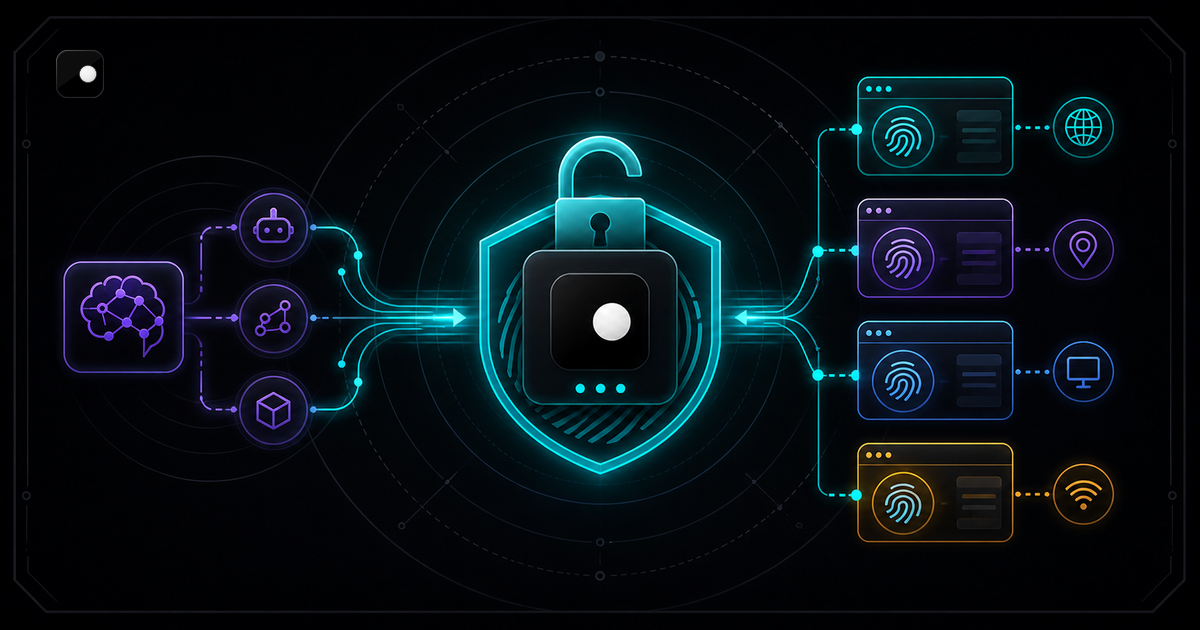
Free Anti-Detect Browser for AI Agents: What Actually Works
Most anti-detect browsers charge per profile or per session. Here is what is actually free for AI agent automation, what is free with a catch and how the trade-offs stack up.
Read article →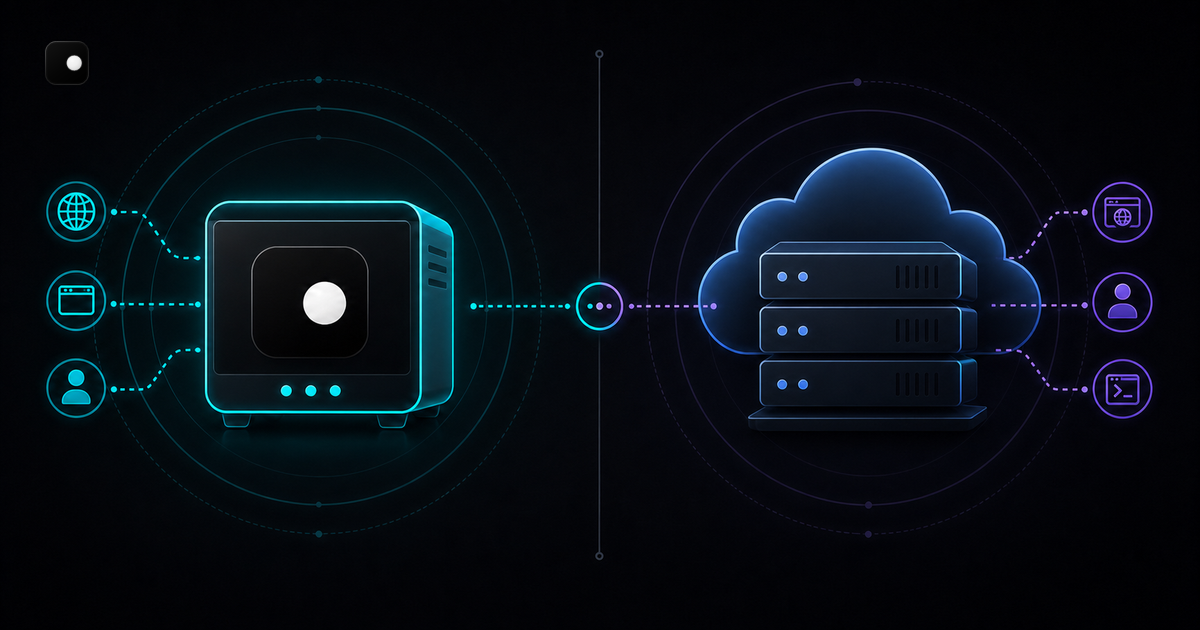
Clawbrowser vs Steel: Free Local Browser or Cloud API
Local anti-detect browser vs cloud browser API. Feature comparison, pricing, code examples, fingerprint handling and when to pick each for AI agent automation.
Read article →